

A Guide to Phone Water Damage and Fast Recovery
A dropped phone can turn a normal day into an emergency fast. This guide to phone water damage explains what to do in the first minutes, what not to do, and when a professional repair can make the difference between saving your phone and replacing it.
Whether your phone fell in a sink, got caught in a rainstorm, or went through the washing machine, the biggest risk is not always the water you can see. Moisture can reach charging ports, screens, cameras, batteries, and tiny components on the logic board. If power is flowing while that happens, corrosion and short circuits can begin.
The First Rule: Turn It Off Immediately
If your phone is still on after getting wet, power it off right away. Do not test the screen, play audio, open apps, or keep checking whether it charges. Every attempt to use a wet phone can send electricity through areas where it does not belong.
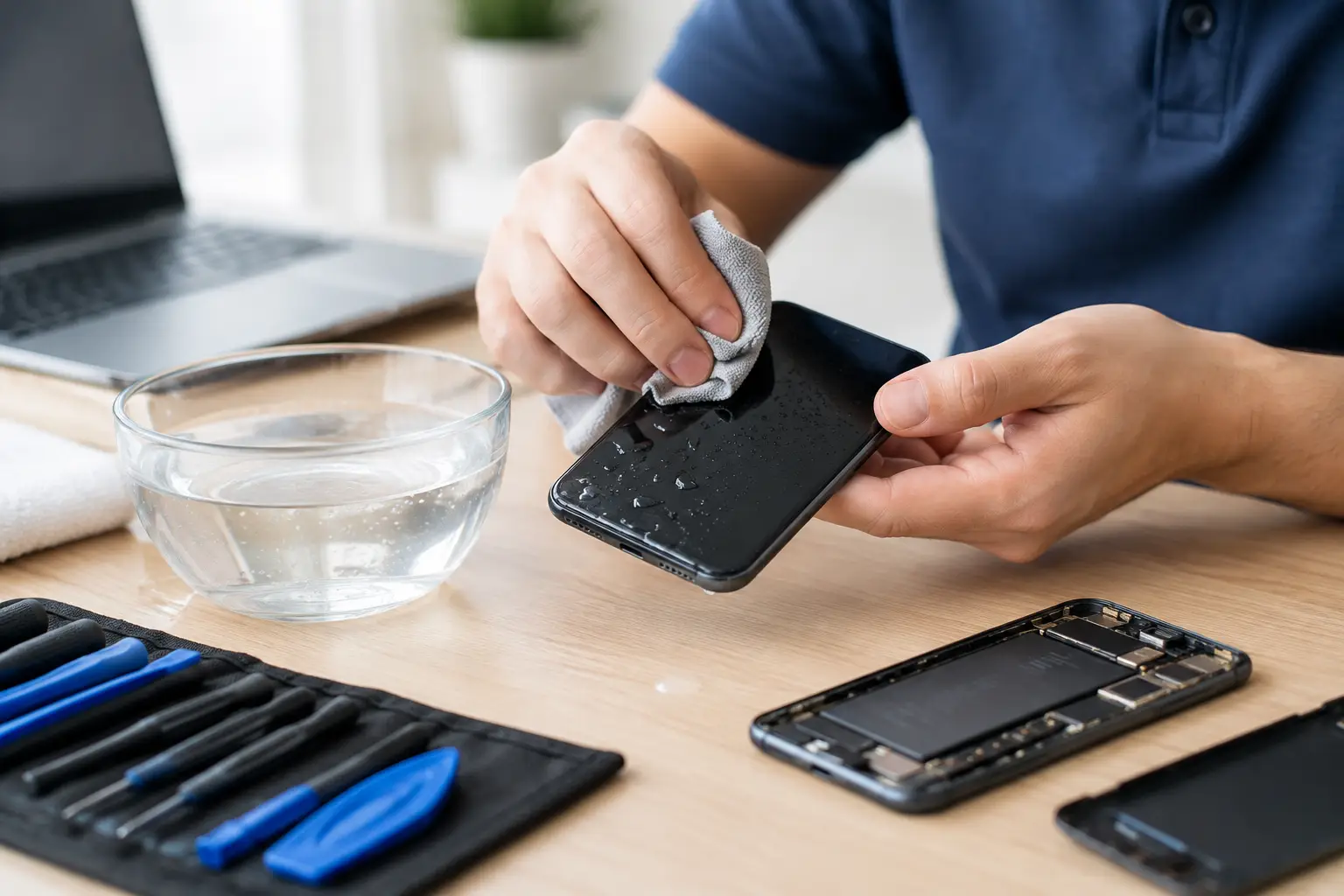
If the phone has a removable case, remove it. Take out the SIM card tray if you can do so easily. Gently wipe the outside with a clean, lint-free cloth, especially around the charging port, buttons, speaker openings, and camera area.
Do not force buttons that feel stuck, and do not try to pry open a modern phone yourself. Many phones use adhesive seals, delicate cables, and tightly packed batteries. Opening one without the right tools can create more damage than the water did.
What to Do After Your Phone Gets Wet
The next few steps are simple, but timing matters. Handle the phone carefully and focus on reducing moisture exposure rather than trying quick fixes.
- Power the phone off. If it is already off, leave it off.
- Disconnect all cables and accessories. Remove chargers, wired headphones, external storage, and cases.
- Dry the exterior. Use a soft cloth and hold the phone with ports facing downward so trapped water can drain.
- Remove the SIM tray. This can create a little airflow and helps prevent moisture from sitting around the tray.
- Place it in a dry, ventilated spot. A fan moving room-temperature air nearby is safer than heat.
- Do not charge it. Wait until you are confident it is dry or until a technician has inspected it.
- Get a repair assessment quickly. This is especially important if the phone was submerged, exposed to dirty water, or has important data you cannot lose.
A phone that seems fine right after getting wet can still fail hours or days later. Corrosion does not always cause immediate symptoms. It can slowly damage connectors and board-level components long after the outside feels dry.
Do Not Use Rice, Heat, or Compressed Air
Rice is one of the most common responses to a wet phone, and it is not a reliable repair method. It does not remove moisture from underneath shields or inside the phone, and rice dust can get into ports and openings. At best, it may dry the outside while hidden moisture continues causing damage.
Avoid hair dryers, ovens, heating pads, and direct sunlight. High heat can weaken screen adhesive, warp internal parts, damage the battery, or push moisture deeper into the device. Compressed air is also risky because it can force water farther inside.
If your phone gives you a moisture warning when you plug in a charger, take it seriously. That warning is designed to prevent charging damage. Unplug it and allow the device to dry, or bring it in for help if the warning remains or the phone was fully submerged.
Not All Water Damage Is the Same
Clean tap water is usually less damaging than other liquids, but no liquid exposure is harmless. Water carries minerals that can leave conductive residue behind as it dries.
Saltwater is particularly aggressive because salt speeds up corrosion. Pool water can contain chlorine and other chemicals. Coffee, soda, juice, and alcohol can leave sticky residue that attracts moisture and interferes with buttons, speakers, and charging ports. Toilet water, floodwater, and other contaminated water add a sanitation concern as well as a repair concern.
If your phone was exposed to anything other than clean water, professional cleaning is the smarter choice. Simply drying the device will not remove the residue left inside.
Signs Your Phone Needs Water Damage Repair
Some water damage is obvious. Your phone may not turn on, the display may flicker, or the screen may show dark spots or lines. Other signs can be easy to overlook at first.
Watch for a charging port that stops working, muffled speakers, distorted microphone audio, foggy camera lenses, random restarts, overheating, a rapidly draining battery, or touch controls that respond incorrectly. Face ID, fingerprint readers, wireless charging, and cameras can also fail after moisture exposure.
Do not assume the problem is gone because the phone starts up again. A phone that works today but develops charging or battery problems next week may still be dealing with corrosion from the original incident.
When the Phone Contains Important Data
Photos, messages, work files, notes, two-factor authentication apps, and family contacts can be more valuable than the phone itself. If the device turns on after drying, you may be tempted to back it up immediately. That can be reasonable only if there is no sign of moisture in the charging port, no overheating, and the phone is stable enough to use without charging.
If the phone is not functioning normally, avoid repeated restart attempts. A repair technician may be able to stabilize the device, clean internal corrosion, or help recover accessible data. The best chance of success often comes from bringing it in before more corrosion develops.
What Professional Water Damage Service Can Do
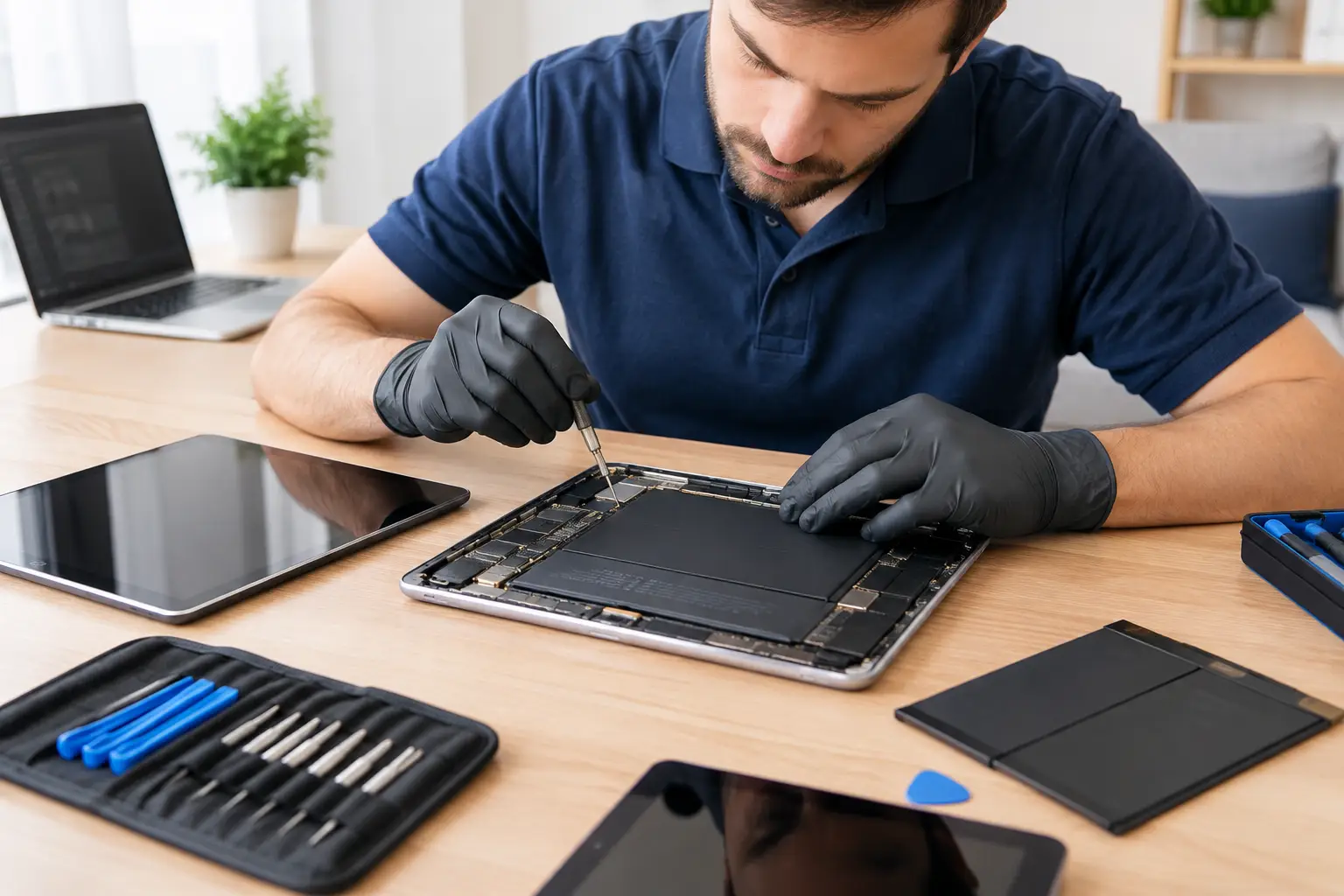
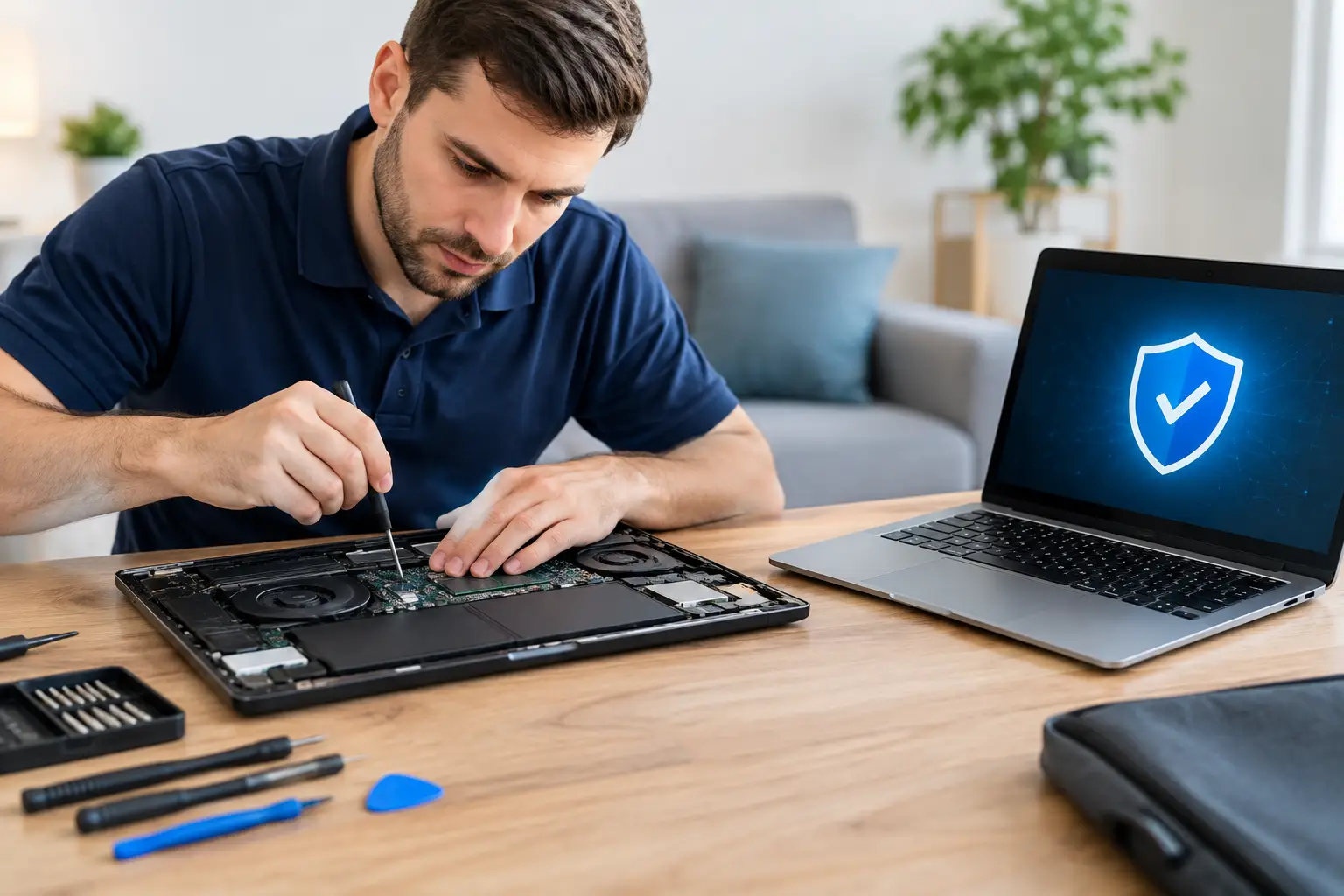
A proper inspection goes beyond drying the outside. A technician can open the device safely, check for moisture indicators and corrosion, disconnect the battery, inspect the charging port and board, and clean affected areas using appropriate tools and solutions.
The needed repair depends on what was exposed and how long the phone stayed wet. In some cases, a cleaning and inspection are enough. In others, the phone may need a new battery, charging port, screen, camera, or board-level repair. There is no honest one-price answer before the device is inspected, which is why clear diagnosis matters.
CNA Computer Repair & Sales helps local customers get straightforward answers without the runaround. If your phone has been exposed to water, bringing it in quickly gives the repair team more options and gives you a clearer picture of the cost before deciding whether to repair or replace it.
Water Resistance Helps, But It Has Limits
Many newer iPhones and Android phones are rated for water resistance, not waterproofing. That rating usually applies to a new device under controlled testing conditions. Real life is different.
A phone that has been dropped, repaired before, exposed to steam, or used for years may not have the same seal integrity it had when new. Water pressure, saltwater, soap, hot water, and long submersion can all exceed what the rating was designed to handle. Water resistance is useful protection against accidents, but it is not a reason to ignore a wet phone.
How to Prevent the Next Water Emergency
A good case can reduce damage from drops, but it does not make a phone safe for the pool or shower. Keep phones away from sink edges, tubs, and open drinks. Use a waterproof pouch for boating, beach trips, fishing, and wet job sites. If you work outdoors, keep the phone in a zippered pocket or sealed bag during heavy rain.
It also helps to keep automatic cloud backups enabled when possible. A backup will not prevent water damage, but it can prevent a damaged phone from taking your most important memories and information with it.
The best move after water exposure is calm and quick action: turn the phone off, do not charge it, skip the rice, and get it checked before a small spill becomes a costly failure.