

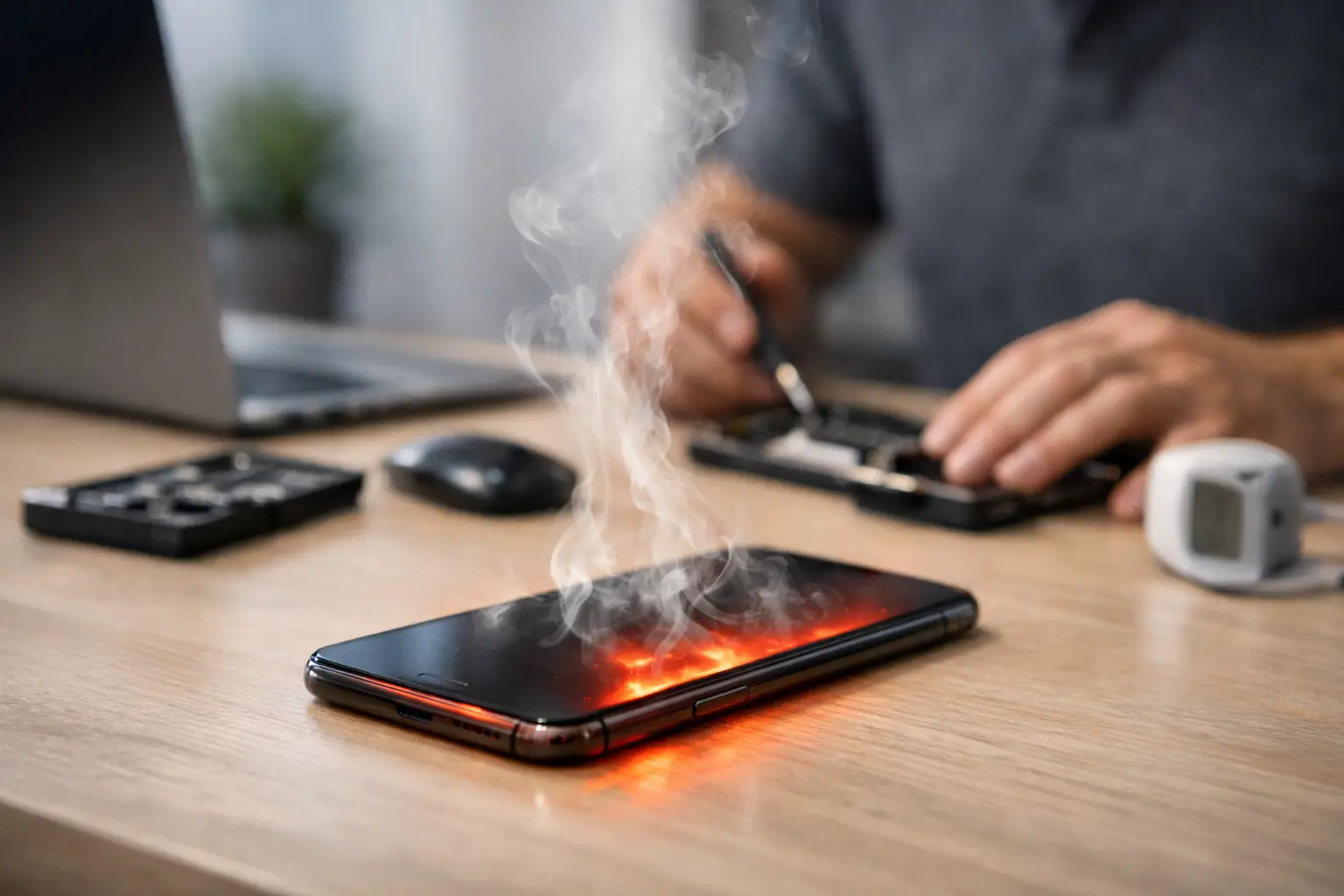

Your phone feels hot in your hand, the screen starts lagging, and the battery drops faster than usual. If you’re asking, “why is my phone overheating,” you usually need an answer fast – because heat is one of those problems that can go from annoying to serious in a hurry.
Sometimes the fix is simple. Sometimes overheating is your phone warning you that a battery, charging port, or internal component is starting to fail. The key is knowing the difference so you do not waste time guessing while the problem gets worse.
Why is my phone overheating in the first place?
Phones naturally generate heat. The processor warms up when you stream video, use GPS, play games, join video calls, or run several apps at once. Charging also creates heat, especially with fast chargers. A little warmth is normal.
Overheating is different. If your phone becomes too hot to hold comfortably, throws a temperature warning, slows down a lot, stops charging, or shuts itself off, that is not just normal use. That means the device is struggling to cool itself down.
In most cases, the cause falls into one of three categories: heavy workload, outside heat, or a hardware problem. Software bugs can also push a phone harder than it should be running.
The most common reasons a phone gets too hot
One of the biggest causes is heavy app use. Games, social media apps with constant video, navigation, and camera apps can keep the processor working nonstop. If you are using your phone while charging at the same time, the heat builds faster. This is why a phone often gets hottest during long car rides when GPS, Bluetooth, charging, and screen brightness are all running together.
Another common cause is direct sunlight or a hot environment. Leaving a phone on a car seat, near a window, outside by the pool, or in a hot pocket on a summer day can push it past safe temperature limits even if you are barely using it. Phones are small, sealed devices. They do not have much room to release heat.
Charging problems are also high on the list. A damaged charging cable, low-quality charger, dirty charging port, or failing battery can all create extra heat. Fast charging is convenient, but if the battery is already worn out, that extra charging speed can make the issue more obvious.
Then there are background apps and software issues. Sometimes an app freezes, crashes repeatedly, or keeps refreshing in the background without you noticing. That can quietly drain battery and generate heat even when the phone is sitting still. A bad software update can do the same thing.
Finally, there is physical damage. If your phone has been dropped, exposed to water, or repaired poorly in the past, overheating can be a symptom of internal damage. A swollen or failing battery is one of the most serious possibilities.
Signs the problem is minor vs. signs it is serious
If your phone gets warm only during gaming, streaming, or charging, then cools down once you stop, the problem may be manageable. You may only need to reduce screen brightness, close apps, remove a heavy case, or switch chargers.
If it overheats during light use, gets hot while idle, restarts randomly, smells unusual, or the battery drains extremely fast, that points to something more serious. Heat plus battery swelling, screen lifting, charging issues, or shutdowns should not be ignored.
A lot of people wait too long because the phone still turns on. That is risky. Heat stresses the battery, processor, and display over time. What starts as an overheating issue can become a dead phone or data loss problem if you keep pushing it.
What to do right away if your phone is overheating
First, stop charging it. If the phone is plugged in and hot, disconnect it right away. Charging adds more heat, and if the charger or battery is part of the problem, leaving it plugged in can make things worse.
Next, move it to a cooler spot out of direct sunlight. Take off the case if it feels thick or insulated. Then close demanding apps like games, video streaming, camera, or GPS. If the phone is responsive, turn down screen brightness and enable battery saver mode.
If it is still very hot, power it off and let it rest for a while. Do not put it in a freezer or against an ice pack. Sudden temperature changes can cause moisture damage inside the phone. Cool it gradually.
Once it returns to a normal temperature, watch what happens next. If the heat comes back quickly during basic use, that is a clue that the issue is not just temporary.
What not to do
Do not keep using a phone that is overheating badly just because you need it. That is understandable, but it can make repair more expensive later.
Do not ignore a bulging screen or battery. If the back of the phone is separating or the screen is lifting, stop using it and get it checked right away.
Do not assume every hot phone needs a new battery, either. Batteries are a frequent cause, but not the only one. Charging ports, power management circuits, app problems, and liquid damage can all produce similar symptoms. That is why proper diagnosis matters.
Why is my phone overheating when charging?
This is one of the most common versions of the problem, and it usually points to the battery, charger, cable, or charging port.
A worn battery has to work harder to accept and hold a charge, and that can create extra heat. Cheap or damaged charging accessories can deliver unstable power. Lint or debris packed into the charging port can interfere with connection and charging efficiency. In some cases, the port itself is damaged and causing heat where it should not.
If your phone gets slightly warm while fast charging, that can be normal. If it gets hot enough to stop charging, show warnings, or become uncomfortable to hold, something is off.
Why is my phone overheating even when I am not using it?
That usually means something is running in the background or a hardware issue is developing.
A stuck app, location services, syncing problems, malware, or a failed software update can keep the processor active even when the screen is off. If the battery percentage also drops quickly while the phone sits idle, software is a strong possibility.
But if the phone is heating up while idle and also having charging problems, random shutdowns, or physical swelling, the issue may be hardware instead. At that point, guessing is not your best move.
When home fixes are enough and when to get repair help
If overheating only happens during obvious heavy use, and it improves after closing apps, updating software, changing chargers, or taking the case off, you may be able to manage it on your own.
If the problem keeps coming back, happens during normal use, or is paired with battery drain, charging issues, water exposure, or screen separation, it is time to have the phone inspected. Heat is often a symptom, not the root cause.
This is especially true with iPhones, Samsung phones, and newer devices that use sealed batteries and compact internal layouts. What looks like a simple heat issue can be tied to a battery replacement need, charging port repair, or internal board damage.
At a local repair shop, a technician can check battery health, charging behavior, port condition, and signs of internal damage much faster than most people can troubleshoot at home. That saves time and helps you avoid replacing the wrong part.
How to lower the chances of overheating again
A few habits make a real difference. Avoid leaving your phone in a hot car. Use quality charging cables and adapters. Keep the charging port clean. Install app and system updates, but pay attention if a new update causes unusual heat. Limit high-demand use while charging, especially gaming and GPS.
It also helps to pay attention to patterns. If your phone only overheats in one app, the problem may be software. If it happens with every charger, the port or battery becomes more likely. If it started after a drop or liquid exposure, that history matters.
The more specific you can be about when the heat starts, the easier it is to narrow down the cause.
If your phone is heating up more often than it used to, trust that signal. A phone should not feel like it is fighting to stay on. Sometimes the fix is quick and affordable, and getting it checked sooner can save you from a bigger repair later.
Leave a Reply