

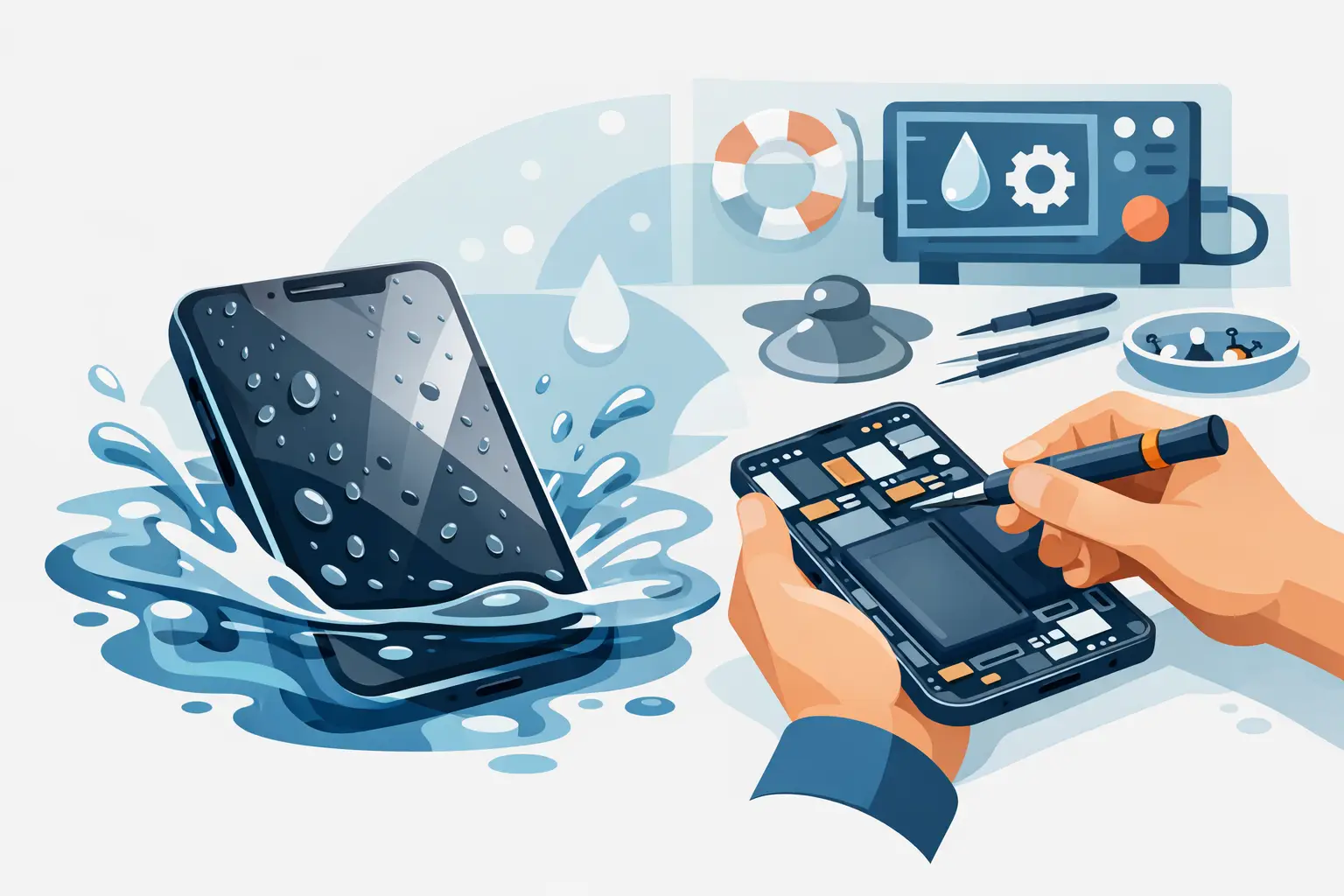

Your phone falls in the sink, the toilet, a puddle, or gets soaked in the rain, and suddenly every second feels expensive. Water damaged phone repair is one of those problems where the first few minutes can make the difference between a simple fix, a full board repair, or a phone that never turns back on.
The biggest mistake people make is trying to “test” the phone over and over. If it lights up once, they think it might be fine. If it stays black, they keep pressing buttons, plugging in a charger, or shaking it out. That can make things worse fast. Water itself is only part of the problem. The real danger is moisture reaching active electrical components and starting corrosion or shorting parts before the phone is properly cleaned and dried.
Water damaged phone repair starts with the first 10 minutes
If your phone gets wet, turn it off right away if it is still on. If it is already off, leave it off. Do not charge it. Do not connect it to a laptop. Do not hold down the power button repeatedly to see if it comes back. Every extra attempt can push damage further.
Take off the case, remove any accessories, and if your model allows it, remove the SIM card tray. Gently dry the outside with a clean cloth. That helps with surface moisture, but it does not solve the real issue inside the device.
A lot of people still reach for a bag of rice. It sounds helpful, but rice is not a real repair method. It may absorb a little moisture from the air around the phone, but it will not remove residue, mineral deposits, or corrosion from the logic board and connectors. In some cases, rice delays proper service long enough for hidden damage to spread.
If the phone was exposed to anything other than clean water, the risk goes up. Salt water, pool water, coffee, soda, soap water, or toilet water can cause more aggressive corrosion and contamination. Those phones need attention even faster because the liquid left behind is often more damaging than the moisture itself.
What water actually damages inside a phone
Modern phones are tightly packed. Even models with some water resistance are not invincible. Water can get past speaker mesh, charging ports, button openings, cracked glass, or weakened adhesive around the frame. Once inside, it can affect the battery connection, display circuits, charging system, microphones, cameras, and the main board.
Sometimes the phone looks fine at first. It may turn on, show a normal screen, and even place a call. Then hours later, the screen flickers, the battery drains fast, Face ID or fingerprint unlock stops working, or the phone starts heating up. That delay tricks people into thinking the danger passed when corrosion is actually developing under shields and connectors.
This is why water damaged phone repair is not just about drying. A proper repair often means opening the phone, disconnecting power, inspecting internal components, cleaning affected areas, and testing what still works. In more serious cases, specific damaged parts need replacement, or the board itself needs microsoldering work.
Signs your phone needs professional water damaged phone repair
Some symptoms show up right away, and some are subtle. If your phone will not power on, will not charge, gets stuck in a boot loop, shows lines on the screen, has no sound, has a foggy camera lens, or overheats after getting wet, it should be professionally checked.
Other signs are easier to miss. Maybe calls sound muffled. Maybe the touchscreen responds in the wrong places. Maybe the battery percentage jumps around or the device randomly restarts. Those problems can all trace back to water exposure, even if the phone seemed to recover at first.
There is also the data question. For many people, the phone itself matters, but the photos, messages, contacts, notes, and work apps matter more. If the device contains important personal or business data, getting it evaluated quickly gives you a better chance of saving both the phone and the information on it.
Can a water damaged phone be fixed?
Sometimes yes, sometimes no, and sometimes the answer depends on your goal. If you want the phone fully restored for daily use, the repair may be worth it when the damage is limited to a charging port, screen, battery, or a few replaceable components. If the main board is heavily corroded, full restoration may cost more than the phone is worth.
But even in tougher cases, a repair attempt may still make sense if data recovery is the priority. A phone that is not economical to return to normal use may still be repairable enough to back up photos, contacts, and other important files.
Timing matters here. Phones brought in quickly usually have a better chance than devices that sat wet for a day or two, especially if someone kept trying to power them on. The longer moisture and residue stay inside, the more likely it is that corrosion spreads and damages multiple systems.
What a repair shop should actually do
A real water damage service is more than putting the device under a fan. The phone should be opened and assessed internally. Technicians need to look for liquid indicators, corrosion, residue, and affected connectors or components. Cleaning with the right materials is a key step because trapped contamination can continue causing issues long after the phone feels dry on the outside.
After cleaning, the device needs careful testing. That includes charging, power function, display response, cameras, audio, wireless features, and battery behavior. If certain parts were damaged, those may need replacement. If the charging circuit or board-level components were affected, the repair becomes more specialized.
This is where choosing a local shop with real phone repair experience matters. You want straight answers about what is fixable, what is not, what the repair is likely to cost, and whether saving the data is realistic. You also want a fast turnaround, because waiting days just to get a diagnosis is frustrating when your phone is your camera, wallet, calendar, and contact list.
What not to do after your phone gets wet
There are a few common moves that feel smart in the moment but usually hurt your chances. Do not charge the phone. Do not use a hair dryer, oven, or microwave. Heat can warp components, damage adhesives, and push moisture deeper into the device. Do not shake the phone aggressively, because that can spread liquid to parts that were not wet yet.
Do not assume water resistance means safety. Water-resistant ratings are tested under controlled conditions, and real-life accidents are messier. A phone with a small frame gap, old adhesive, prior screen replacement, or a charging port packed with debris may be much more vulnerable than its rating suggests.
And do not wait too long because the phone “seems okay.” Many water-damaged phones fail later, not sooner.
When repair is worth it and when replacement makes more sense
Not every soaked phone should be repaired at any cost. If the device is older, already had battery issues, and needs major board work plus a display replacement, replacement may be the smarter move. On the other hand, if the phone is newer or holds important data, repair is often worth a serious look.
That decision should come down to honest value, not pressure. A good repair shop will tell you if the repair makes financial sense and if there is a reasonable chance of success. For people in Aston, Havertown, and nearby communities, that kind of clear local support is often the biggest advantage over sending a phone away and waiting without answers.
At CNA Computer Repair & Sales, the goal is simple: give customers a fast, affordable path forward, whether that means saving the phone, recovering the data, or helping them avoid spending money on a repair that is not worth it.
If your phone got wet today, do the small things right now, then stop experimenting. Power it down, keep it unplugged, and get it checked before a temporary problem turns into permanent damage.
Leave a Reply