


Your laptop only charges if the cord is held at a weird angle. Or the battery icon keeps switching between charging and not charging like it has a mind of its own. That is usually not a charger problem – it is often a laptop charging port repair issue, and waiting too long can turn a small fix into a dead laptop.
For most people, this problem shows up at the worst time. Students notice it before class. Remote workers notice it before a meeting. Families notice it when the only working computer in the house suddenly will not power up. The good news is that a bad charging port is usually repairable. The bigger question is whether the port itself is damaged, the power jack has broken loose from the board, or another power-related part is causing the same symptoms.
What a bad charging port usually looks like
A failing charging port rarely goes from perfect to completely dead in one day. More often, it starts with small warning signs that are easy to ignore. The charger may feel loose, charging may stop if the laptop is moved, or the plug may not sit correctly in the port anymore. In some cases, the laptop only charges after several tries. In others, it stops recognizing the charger at all.
You might also notice heat, a burnt smell, or visible damage inside the port. If the center pin looks bent, the metal housing looks widened, or the port wiggles when the charger is inserted, that is a strong sign something physical has failed. Those are not problems that fix themselves.
Some customers assume the battery is the issue because the laptop will not stay on unless it is plugged in. That can happen, but when charging cuts in and out, the port is one of the first things that needs to be checked.
Why laptop charging ports fail
The charging port takes more abuse than most people realize. It handles daily plugging and unplugging, pressure from the cord, accidental tugs, and sometimes full drops while the charger is still connected. Over time, that wear adds up.
One common cause is simple strain. If the charging cable gets pulled sideways often, the internal solder joints can crack or the port can loosen from its mounting point. Another common issue is using the wrong charger or a damaged charger tip. If the plug does not fit correctly, it can wear out the port faster or create inconsistent contact.
Dust and debris also play a role. A port packed with lint may seem like it has failed when the charger just is not seating fully. Liquid exposure is another big one. Even a small spill can cause corrosion in the charging area, and corrosion tends to get worse over time.
Then there is normal age. On an older laptop, repeated use can simply wear out the port materials. That does not mean the whole computer is done. It just means one high-use component needs attention.
Laptop charging port repair or full replacement?
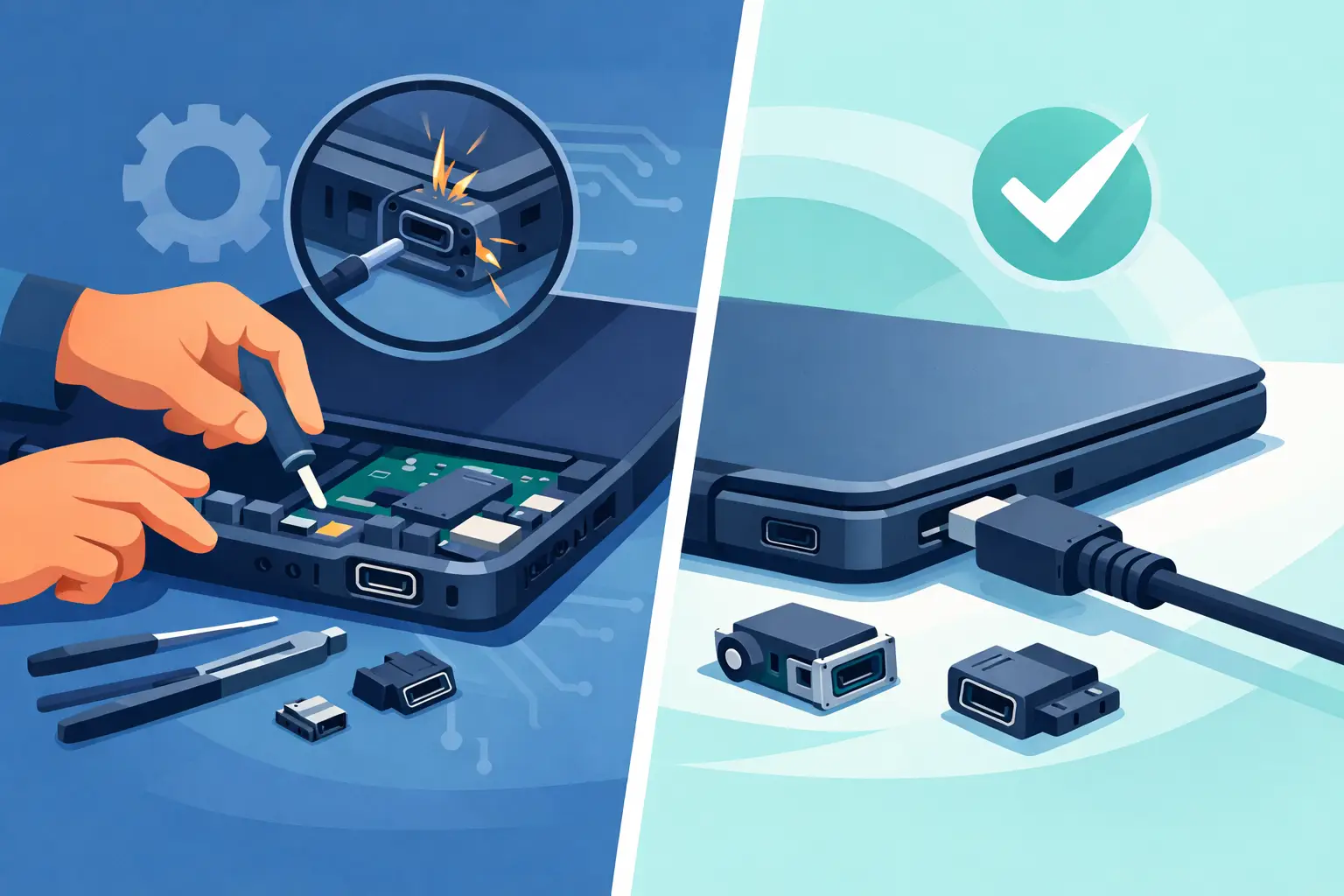
This is where it depends on the type of damage. In some laptops, the charging port is a separate part connected by a cable, which makes replacement more straightforward. In others, the power jack is soldered directly to the motherboard. That repair takes more precision because the damaged port must be removed cleanly and a new one installed without harming nearby components.
If the port is loose, cracked, bent, or no longer making reliable contact, replacement is usually the better long-term fix. A temporary adjustment may get the laptop charging again for a short time, but it often comes back with the same problem. If the issue is only debris in the port, careful cleaning may solve it. If the board around the port is damaged, the repair can be more involved.
That is why a real inspection matters. Two laptops can have the same symptom and need totally different repairs. One may need a basic DC jack replacement. Another may have charging circuit damage that goes beyond the port itself.
Signs you should stop using it right away
Some charging issues are annoying. Others can lead to bigger damage if you keep forcing the connection. If you have to push hard to get the charger in, stop. If the port sparks, gets unusually hot, smells burnt, or feels like it is moving inside the laptop, stop using it and unplug it.
Using a damaged charging port can create shorts, worsen motherboard damage, or destroy the charger tip too. What starts as a repairable jack can turn into a more expensive board-level problem if it is ignored. That is especially true if the laptop powers on only intermittently and keeps losing power during use.
Can you fix a charging port yourself?
Sometimes people search this topic hoping for a quick home fix. That makes sense. If the issue is lint in the port or a clearly damaged charger cable, there may be a simple answer. But actual laptop charging port repair is usually not a good DIY job unless you already have repair experience.
Opening a laptop without damaging clips, cables, or the case takes care. Replacing a soldered charging jack requires the right tools and steady hands. Too much heat can damage the board. Too little can leave a weak connection that fails again. Even getting to the part can be time-consuming because some models require nearly complete disassembly.
There is also the risk of misdiagnosis. A laptop that will not charge might have a bad adapter, a dead battery, a damaged port, or a motherboard charging fault. Replacing the wrong part wastes time and money.
What a professional repair should include
A good repair starts with testing, not guessing. The charger should be checked, the battery should be evaluated, and the port should be inspected for looseness, breakage, debris, or board damage. If the laptop uses USB-C charging, the diagnosis can get even more important because those problems may involve the port, the power delivery controller, or board-level damage.
Once the issue is confirmed, the repair should use a quality replacement part and make sure the connection is stable. After the hardware work is done, the laptop should be tested for consistent charging, battery recognition, and safe power delivery. This is not just about getting the light to come on. It is about making sure the laptop charges normally without cutting in and out.
Fast turnaround matters too. Most people cannot leave a laptop out of service for a week or two just to fix a charging jack. If you use your device for work, school, or everyday bills and communication, speed is part of the repair.
How much does laptop charging port repair cost?
Cost depends on the laptop model and the type of repair. A port that connects through a small cable assembly may be less labor-intensive than one soldered directly to the motherboard. If there is corrosion or charging circuit damage, the price can go up because the repair takes more time and skill.
The cheapest option is not always the best one. If a shop does a weak solder job or uses a poor-quality part, the problem can return quickly. At the same time, this is usually still far more affordable than replacing the entire laptop, especially if the machine is otherwise working well and holds your important files.
For many customers, the real value is avoiding downtime. A properly repaired charging port can give a good laptop a lot more life.
When local repair makes the most sense
If your laptop is your main device, shipping it away for service is a hassle. You lose time, you lose convenience, and sometimes you get very little communication while you wait. A local repair shop gives you a chance to talk to a real person, explain what the laptop is doing, and get a straightforward answer about the likely fix.
That is especially useful when the issue is intermittent. Being able to describe that the charger only works when tilted left, or that the battery light flickers when the cord moves, helps point the diagnosis in the right direction. For customers around Aston, Havertown, Media, and nearby areas, having quick local help can make the difference between a same-week fix and being stuck without a computer.
CNA Computer Repair & Sales sees this kind of problem all the time, and it is exactly the sort of repair where speed and honest answers matter more than a long technical speech.
How to prevent the problem from coming back
Once the port is repaired, a few habits can help it last. Try not to use the laptop with the charger stretched tight across a couch or desk. Avoid yanking the cord out from the side. If the charger tip is bent or frayed, replace it before it damages the new port. And if the laptop is used in bed or on soft furniture often, check the port once in a while for dust buildup.
It also helps to unplug by gripping the connector instead of pulling the cable. That sounds minor, but it reduces stress on both the charger and the port. Small habits matter when a part gets used every day.
If your laptop has started charging only when it feels like it, do not wait for it to stop completely. Charging port problems usually give you a warning before they leave you with a dead machine, and catching it early is often the easiest, least expensive time to fix it.
Leave a Reply