

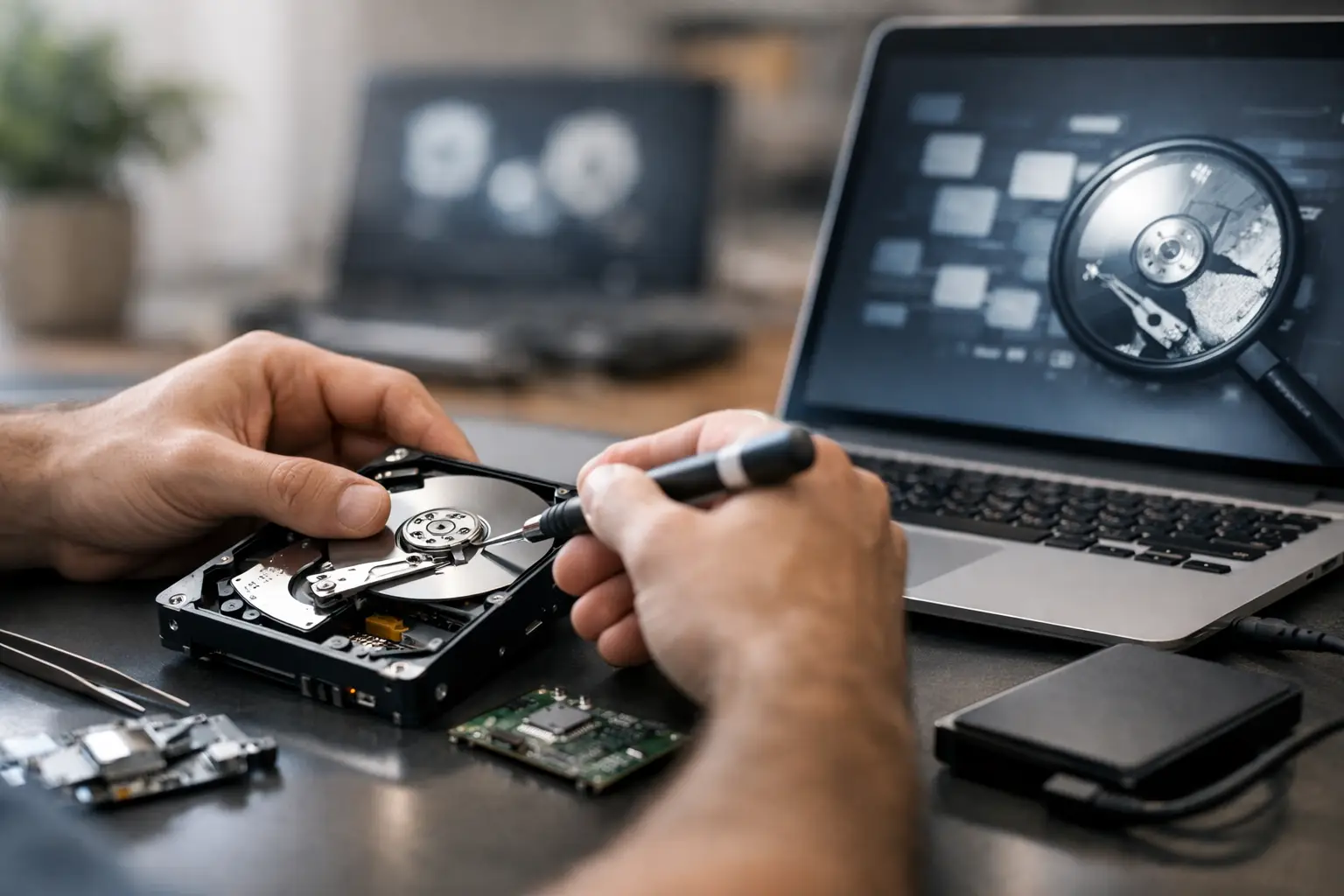

Your laptop will not turn on, your phone took a swim, or an important folder suddenly looks empty. The first question is usually not technical: is data recovery worth it? When the files include family photos, tax records, schoolwork, business documents, or years of messages, the answer can be very different from the value of the device itself.
A broken computer can be replaced. The only copy of your child’s early photos or a small business customer’s records cannot. Before you assume everything is gone or spend money on a repair that will not help, it pays to understand what recovery can do, what it may cost, and what to do next.
Is Data Recovery Worth It for Your Situation?
Data recovery is worth considering when the information on the device is valuable, hard to replace, or needed quickly. That may sound obvious, but people often focus on the price of the laptop, desktop, phone, or tablet rather than the cost of losing what is stored on it.
If you can download the same files from cloud storage, restore them from a backup drive, or get another copy from a coworker, recovery may not be necessary. But if the device holds original photos, locally saved documents, accounting files, videos, or work that was never backed up, professional help can be money well spent.
The right decision also depends on the condition of the device. A computer that will not boot because of a failing hard drive may still be recoverable. A phone with water damage may hold data that can be saved if it is handled quickly. On the other hand, a physically destroyed storage chip or heavily overwritten drive can limit what anyone can retrieve.
The key is getting an honest assessment before you commit. A reputable repair shop should explain the problem in plain language, discuss the likely recovery options, and give you clear pricing rather than making promises no technician can guarantee.
What Makes Data Recovery More or Less Expensive?
There is no single price for data recovery because not every failure is the same. Recovering a deleted folder from a working computer is very different from recovering files from a drive that clicks, a water-damaged phone, or a device with severe physical damage.
In many cases, recovery is simpler when the device is still recognized by the computer but files are missing, deleted, corrupted, or inaccessible. The technician may be able to safely copy data to a new drive after stabilizing the system. When a drive has mechanical damage, an SSD has failed, or a phone will not power on, the work can become more involved.
Several details affect the cost and chances of success:
- The type of device and storage: Traditional hard drives, SSDs, flash drives, phones, tablets, and Macs each fail differently.
- The kind of failure: Software errors and accidental deletion are usually less complex than electrical, water, or mechanical damage.
- What happened after the failure: Continued use can overwrite deleted data or turn a small hardware problem into a bigger one.
- How quickly you act: Fast action matters most after liquid damage, a failing drive, or a device making unusual noises.
Encryption can also affect the process. Modern iPhones, Android phones, and many computers protect data with strong encryption. If the device cannot power on or the passcode is unavailable, recovery may be more limited. That is not a reason to give up, but it is a reason to get a realistic evaluation instead of trusting a random software download.
When Recovery Is Usually a Smart Investment
For many people, the answer comes down to replacement value. Could you recreate the files in a few hours? Could you get them from another source? Or are they truly one of a kind?
Recovery is often a smart move for family photos and videos, especially files kept only on an old computer or phone. It also makes sense for students facing a deadline, professionals with locally stored projects, and small business owners who need invoices, client records, QuickBooks files, or operational documents.
It can be especially worthwhile when the device is otherwise repairable. For example, a laptop with a failed charging port or cracked screen may still have a healthy drive. In that case, the repair may restore access to both the device and the files without requiring a separate recovery process.
If your computer is infected with malware, do not assume a factory reset is the only answer. A proper virus removal service may be able to preserve important documents while removing the infection. The files should still be checked carefully before they are transferred to another device.
When Data Recovery May Not Be Worth the Cost
Sometimes the practical answer is to replace the device and start fresh. If your files are already backed up to iCloud, Google Drive, OneDrive, an external drive, or another computer, recovery may simply duplicate what you already have.
It may also make less sense when the device contains mostly replaceable apps, downloaded entertainment, and files with no personal or business value. If a very old computer has major hardware failures and no important data, putting the money toward a newer, more reliable replacement can be the better choice.
Be careful with the idea that deleted files are automatically gone forever. They may still be recoverable, but every new file saved to that drive can overwrite the space where the old files were stored. With modern SSDs, automatic cleanup features can make recovery more difficult even if you stop using the device right away.
That is why it is wise to pause before trying multiple free recovery programs. The wrong program, repeated restart attempts, or continued use can reduce the odds of getting your files back.
What to Do Immediately After You Lose Data
Your next steps can make a real difference. If a hard drive is clicking, grinding, or repeatedly disconnecting, turn the computer off. Do not keep rebooting it to see if it comes back. Avoid opening a drive, freezing it, or following internet tricks that can cause more damage.
If a phone, tablet, or laptop has liquid damage, power it off as soon as possible. Do not plug it in to test it, and do not use rice. Rice does not remove corrosion from internal components, and charging a wet device can create a short that makes recovery harder.
For accidentally deleted files, stop saving new files to that device. Do not install recovery software onto the same drive you are trying to recover from. If possible, write down what was lost, where it was stored, and when the problem happened. Those details help a technician choose the safest approach.
Ask These Questions Before Approving Recovery Work
A good repair experience should not feel confusing or pressured. Before moving forward, ask whether the device is being repaired, the data is being extracted, or both. Those are related services, but they are not always the same thing.
Also ask where recovered files will be placed, whether you need to provide a new external drive, and what happens if the recovery is unsuccessful. Confirm whether the estimate covers diagnosis, labor, replacement parts, and transfer of your data. Clear answers protect you from surprises and help you compare your options fairly.
At CNA Computer Repair & Sales, the goal is to give local customers a straightforward answer before they spend money. Whether you need files pulled from a failing computer, help after water damage, or a safer backup plan for a replacement device, speaking with a live technician can save time and prevent costly mistakes.
Protect Your Files After the Recovery
Getting your data back is a relief. Keeping it protected is the part that prevents the same emergency next year. Save important files in at least two places, such as a cloud account and an external backup drive. For irreplaceable photos and business records, consider keeping a third copy away from your home or office.
Automatic backups are easier to maintain than reminders you intend to follow later. Check them occasionally by opening a few files and confirming that the backup actually contains what you need. A backup that has not run in months is not much help during a device failure.
If your files matter, do not wait for the device to fail completely. Stop using a computer that makes strange noises, crashes often, or cannot reliably find its drive. A quick professional evaluation now may be far less stressful than trying to recover everything after the next restart.
Leave a Reply