

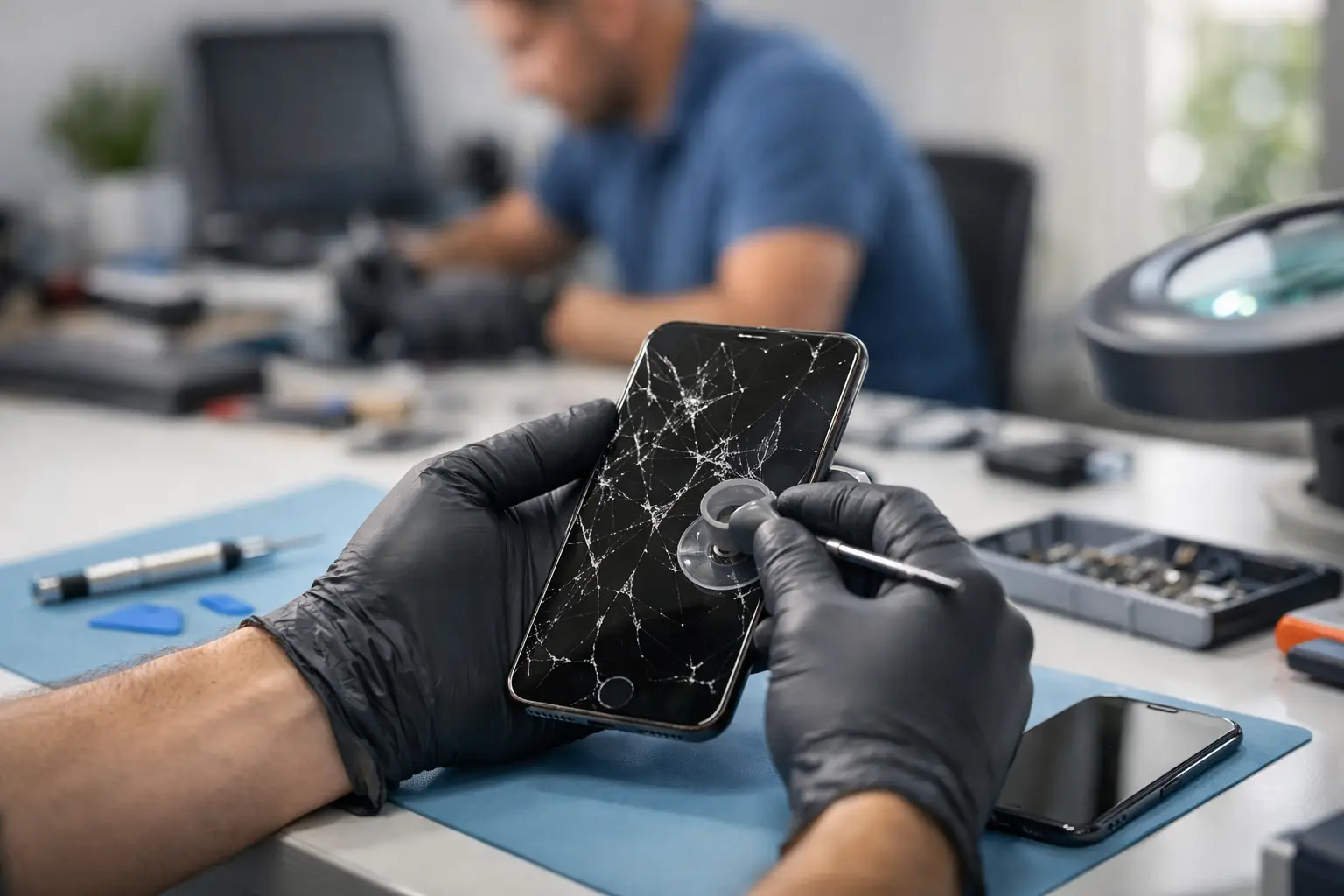

A cracked iPhone screen has a way of becoming a problem at the worst possible time. One drop can leave you dealing with sharp glass, missed taps, a dark display, or a phone that is suddenly difficult to use for work, school, directions, banking, and family messages. When you need iPhone screen repair Haverford residents can rely on, the goal is simple: get a clear answer, fair pricing, and a working phone without a long wait.
CNA Computer Repair & Sales provides practical local repair help for iPhone owners who do not want to be passed around a large retail counter or wait days for basic information. We explain what is wrong, what the repair involves, and what your options are before work begins.
When a Cracked iPhone Screen Needs Repair
A small crack does not always stop an iPhone from working immediately. But glass damage rarely stays small. A crack can spread across the display after another bump, allow dust or moisture into the phone, and make the screen harder to see in sunlight. If the glass is lifting, chipped around the edges, or leaving sharp spots, it is time to have it checked.
Screen damage is not limited to visible cracks. Your iPhone may need attention if the display flickers, shows black blotches or colored lines, has a bright white or green area, or does not respond correctly when you tap or swipe. Some phones still ring, charge, and receive notifications while the screen itself is failing. In that case, a screen repair may restore normal use without replacing the whole device.
If the phone was dropped in water or damaged in a hard fall, there may be more than one issue. A technician should check the display, frame, charging function, cameras, buttons, and battery condition so you are not surprised by a second problem after the screen is repaired.
What Happens During iPhone Screen Repair in Haverford
The right repair starts with a quick inspection. A technician checks whether the problem is the outer glass, the full display assembly, touch response, or damage elsewhere in the phone. This matters because a screen that looks cracked may also have an LCD or OLED display issue underneath.
After the device is examined, you should receive a straightforward recommendation and price quote. The exact repair cost depends on your iPhone model and the type of display it uses. Newer models often use more advanced screen assemblies, while older devices may be less expensive to repair. The least expensive option is not always the best one if it sacrifices brightness, touch accuracy, or long-term reliability.
Once you approve the repair, the damaged screen is carefully removed and replaced with a quality part suited to the device. The phone is then tested for display clarity, touch response, charging, cameras, speakers, and other basic functions. Same-day screen repair is often possible, depending on the model, the damage, and parts availability. If a same-day repair is not realistic, you should know that before you leave your phone.
Do Not Ignore Touch Problems or Screen Lines
A crack is obvious. Intermittent touch problems are easier to put off, especially when they only happen once in a while. That can be a mistake. If your iPhone starts opening apps on its own, misses keystrokes, has dead spots, or responds several seconds after you touch the screen, the display may be failing.
Vertical lines, black ink-like spots, flashing, and a screen that stays black while the phone still makes sounds are also signs of internal display damage. A screen protector cannot fix those issues. It may cover a cosmetic crack temporarily, but it will not restore a damaged display panel or repair broken touch sensors.
Getting the phone looked at early can save frustration and help protect the data already on it. If the display becomes completely unresponsive, you may have trouble entering your passcode, approving backups, or accessing important accounts.
Repair or Replace Your iPhone? It Depends
For many people, repairing a screen is the more affordable choice. If your iPhone otherwise works well, has a healthy battery, and still meets your needs, a screen repair can give it more useful life. This is especially true when the phone contains photos, apps, account information, and settings you do not want to move to another device right away.
Replacement can make more sense when the phone has several serious problems at once. For example, an older device with a badly damaged screen, weak battery, water damage, and charging trouble may cost more to restore than it is worth. A technician can help you compare the repair cost with the condition and value of your particular phone.
There is also a middle ground. You may decide to repair the screen now, use the phone for several more months, and plan your upgrade without pressure. That is often better than buying a replacement in a rush because a broken screen made the device unusable.
Protect Your Information Before the Repair
Most screen repairs do not require access to your personal data, but backing up your iPhone is still smart whenever possible. Use iCloud or back up to a computer if the screen remains usable. If touch response is unreliable, do not wait until the phone stops responding entirely.
You should also know your Apple ID password and device passcode. Modern iPhones use security protections that make it difficult for anyone to access the device without your authorization. Keeping those details available helps if testing or backup steps are needed.
A reputable local repair shop should respect your privacy and focus on the repair itself. If you have questions about how your device will be handled, ask before service begins. Clear answers are part of good customer service.
Why Fast Local Repair Makes a Difference
Mail-in service and manufacturer appointments can work for some situations, but they are not always convenient when your primary phone is damaged. You may need it for two-factor codes, work calls, childcare updates, rides, school messages, or managing a small business. Waiting several days without it can create a larger problem than the crack itself.
Local repair gives you the chance to speak with a real person, describe what happened, and get a recommendation based on the phone in front of you. CNA offers live phone support seven days a week, along with convenient pickup and drop-off options with no travel fees or hidden costs. For customers balancing work, family, and a damaged device, that personal service matters.
Fast service should not mean rushed service. The best repair experience combines quick turnaround with careful testing, quality replacement parts, and honest communication if the phone has damage beyond the screen.
After Your Screen Is Repaired
A new screen deserves a little protection. Use a case with a raised edge around the display and consider a tempered-glass screen protector. Neither option makes a phone indestructible, but both can reduce the chance that the next drop becomes another repair bill.
Avoid placing your iPhone loose in a bag with keys, tools, or other hard objects. If you notice a new crack, loose screen edge, display flicker, or charging issue after a drop, have it checked promptly. Small problems are usually easier to address before they interfere with daily use.
You do not have to keep struggling with a screen that cuts your finger, misses every other tap, or makes your phone impossible to read. Call for a quick quote, bring in your iPhone for an honest assessment, and get back to using the device you depend on every day.
Leave a Reply