

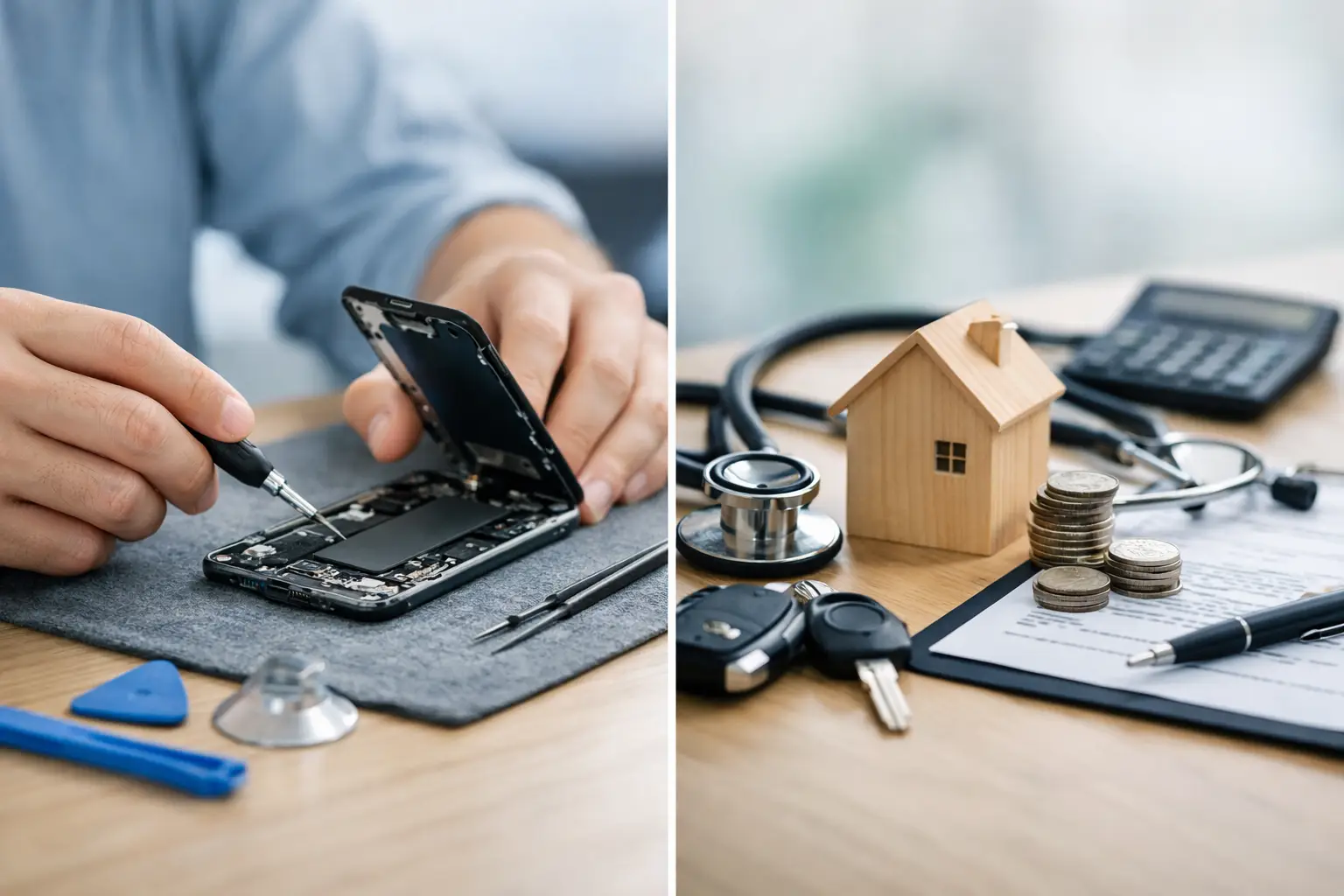

A cracked iPhone screen can turn a normal Tuesday into an expensive decision. Do you pay for the repair now, file an insurance claim, or keep paying monthly for coverage you may never use? iPhone repair versus insurance is not a one-size-fits-all choice. The better value depends on your phone’s condition, the type of damage, your deductible, and how quickly you need it back.
For many local iPhone owners, the biggest surprise is that an out-of-pocket repair can cost less than the insurance deductible – and it is often faster. But insurance can still make sense when a phone is lost, stolen, or severely damaged. Here is how to make the call without getting stuck with unnecessary costs or a long wait.
iPhone Repair Versus Insurance: Start With the Real Cost
Insurance feels affordable because the monthly charge is small. A typical plan may cost anywhere from several dollars to more than $15 per month, depending on the carrier, device, and coverage level. That can add up to well over $100 each year before you ever make a claim.
Then there is the deductible. Screen-damage deductibles are often lower than replacement deductibles, but the amount varies widely. A replacement claim for a lost, stolen, or badly damaged iPhone can easily come with a significant out-of-pocket charge. Some plans also limit how many claims you can make within a year.
Compare that total with a direct repair quote. If your screen is cracked but the phone still works, a professional screen repair may cost less than paying months of premiums plus a claim deductible. The same is often true for a worn-out battery, charging port issue, speaker trouble, camera problem, or minor liquid damage.
The key is to compare actual numbers, not just the promise of coverage. Look at what you have already paid in premiums, your current deductible, and the quoted repair price. If your deductible is close to or higher than the repair cost, insurance may not be the economical choice for that problem.
When Paying for iPhone Repair Makes More Sense
Direct repair is usually the practical choice when the damage is specific and fixable. A cracked display, weak battery, broken charging port, or malfunctioning camera does not automatically require a replacement phone. If the rest of the device is in good shape, repairing the affected part can keep it working for a fraction of the cost of replacing it.
Speed matters, too. Carrier insurance claims may involve online forms, claim approval, shipping, waiting for a replacement, and moving your data to another phone. That process can be frustrating when your iPhone holds work messages, school apps, family photos, tickets, banking access, and two-factor authentication codes.
A local repair shop can often diagnose the issue quickly and tell you whether a repair is worthwhile before you commit. For common screen issues, same-day service may be available. That is especially helpful when you cannot afford to be without your phone for several days.
Repair also lets you keep your own device. A replacement through an insurance program may be a different unit rather than your original iPhone. Depending on the plan, it could be a refurbished replacement. That does not necessarily mean it is a bad device, but it is a detail worth understanding before you file a claim.
When iPhone Insurance Is Worth Keeping
Insurance earns its value when the risk goes beyond a repairable part. Lost or stolen phones are the clearest example. A repair shop cannot fix a phone that is gone, and replacing a newer iPhone at full retail cost can be painful. If you travel frequently, work outdoors, have a history of losing phones, or have children who use expensive devices, insurance can provide useful protection.
It may also be the better option when an iPhone has major damage across several components. A phone that has been run over, badly water-damaged, bent, or damaged on both sides may need more than a new screen. Once repair costs start approaching the value of the device, a replacement claim can make more financial sense.
Insurance can be particularly useful for a newer, high-value iPhone that would be difficult to replace from savings. Just read the terms carefully. Confirm whether accidental damage, theft, loss, liquid damage, and mechanical breakdown are covered. Check the deductible for each type of claim, the number of claims allowed, and whether replacement devices carry any warranty.
Your iPhone’s Age Changes the Equation
The older the phone, the less sense an expensive insurance plan usually makes. Paying a monthly premium for a device that could be replaced affordably may not be the best use of your money. For an older iPhone with a cracked screen or poor battery life, a repair can often extend its useful life long enough to postpone buying a new phone.
A newer iPhone is different. If you recently purchased a high-end model and do not have money set aside for an unexpected replacement, insurance may give you peace of mind. Still, do not assume every problem requires a claim. A damaged screen or battery can remain a simple repair even on a newer model.
Before choosing either route, consider the phone’s trade-in value, remaining performance, storage capacity, and your upgrade plans. Spending money on a repair is more sensible when the phone still meets your needs. If it is already slow, out of storage, or nearing the end of software support, putting a large amount into it may not be the right move.
Check What Your Existing Coverage Already Includes
Many people pay for coverage twice without realizing it. Your carrier may offer a protection plan, while your credit card, homeowners policy, renters policy, or manufacturer coverage provides limited protection as well. The coverage is rarely identical, so do not cancel anything until you know what each plan actually handles.
Credit card benefits may cover theft or accidental damage only when the monthly wireless bill is paid with that card. Homeowners and renters coverage may cover theft, but a claim could involve a deductible and potentially affect your policy history. Manufacturer protection plans may cover accidental damage but generally will not cover loss or theft unless that option was specifically purchased.
Take five minutes to review the documents or call the provider. Ask direct questions: What is my deductible? Does this cover a cracked screen? What happens if the phone is lost? Will I receive my repaired phone back or a replacement? How long does a claim normally take? Clear answers make the decision much easier.
Do Not Let a Small Problem Become a Bigger One
A cracked screen can expose the display to moisture and dirt. A failing battery can lead to poor performance, random shutdowns, and frustration every time you leave the house. Charging a phone through a damaged port can make the issue worse. Waiting may feel like saving money, but it can turn a straightforward repair into a more expensive problem.
Back up your iPhone as soon as you notice damage, especially after a drop or liquid exposure. If the device is still functioning, save your photos, messages, contacts, and app data before seeking repair or making an insurance claim. Do not repeatedly charge a phone that has been exposed to liquid, and do not try to dry it with rice. Power it down and have it evaluated as soon as possible.
For residents around Havertown, Aston, Media, Springfield, and nearby communities, CNA Computer Repair & Sales can provide a straightforward quote for common iPhone problems before you decide whether an insurance claim is worth it. A real repair assessment gives you a number to compare, not a guess.
Make the Decision Based on the Damage, Not Fear
Use insurance for the disasters it is designed to handle: loss, theft, or damage so extensive that repair no longer makes financial sense. Use professional repair for problems that have a clear fix and a reasonable price. There is no prize for filing a claim on every issue, and there is no benefit to carrying coverage that does not fit how you use your phone.
If your iPhone is damaged right now, get a repair quote, check your deductible, and compare the turnaround time. The best choice is the one that gets you back to a reliable phone quickly without paying more than the problem calls for.
Leave a Reply