

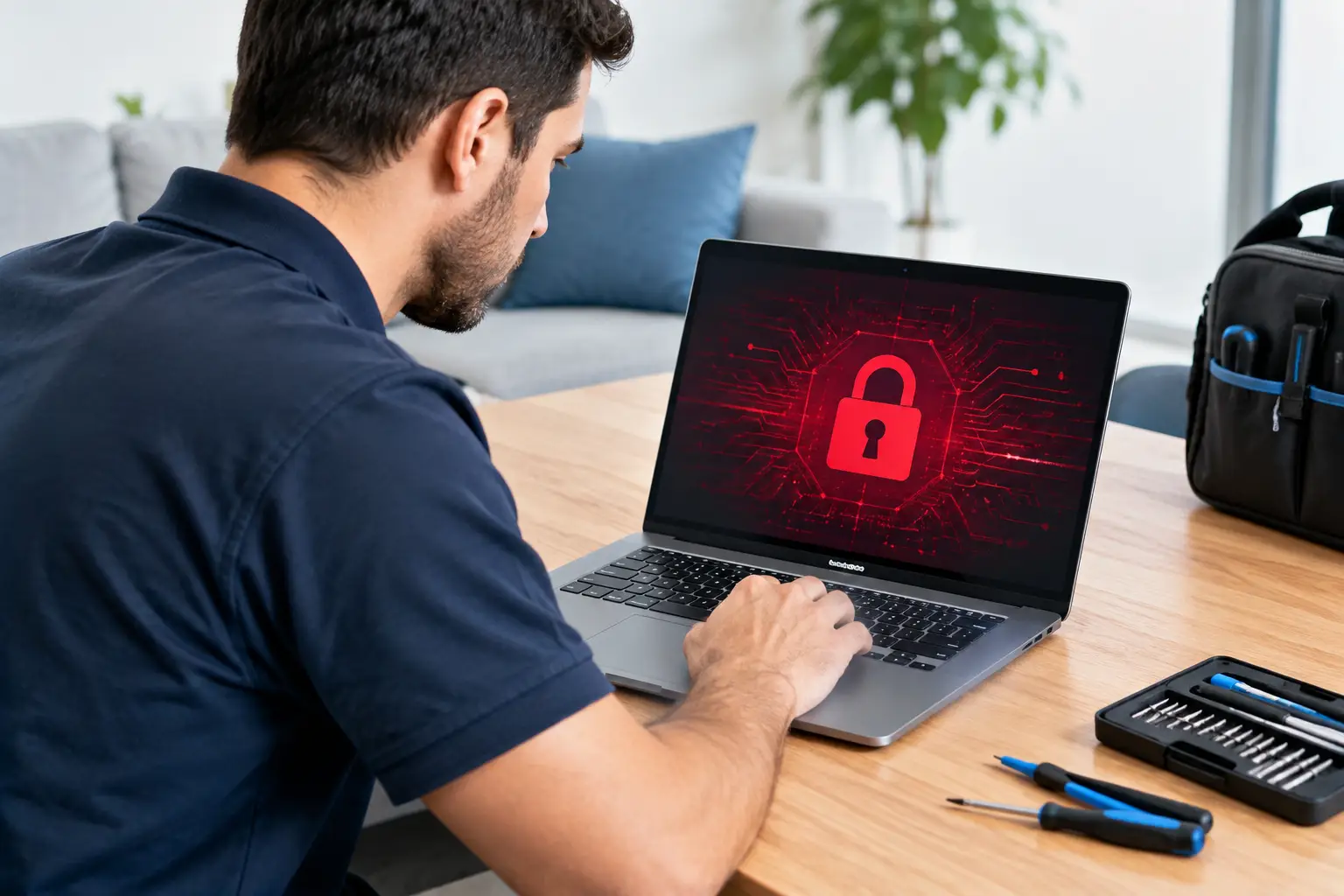

A ransomware message can turn a normal workday into a panic fast. Your files may be locked, your screen may demand payment, and every minute can feel expensive. So, can technicians remove ransomware? In many cases, yes – a qualified technician can remove the infection, protect the rest of your devices, and determine whether your files can be recovered. But removing ransomware and restoring encrypted files are two different jobs, and the right first steps matter.
What to Do the Moment You See Ransomware
If your computer displays a ransom note, strange file extensions, or a warning that your files have been encrypted, disconnect it from the internet immediately. Turn off Wi-Fi, unplug the Ethernet cable, and disconnect external hard drives, USB drives, and shared storage if you can do so safely. This can stop the attack from spreading to other devices or cloud-synced folders.
Do not start clicking through the ransom note, downloading supposed “decryption tools,” or calling a phone number displayed on the screen. Criminals often use frightening deadlines and threats to pressure people into acting before they think. Taking a photo of the message with your phone can be useful, but avoid making changes to the computer until someone has assessed it.
You should also avoid repeatedly restarting the computer. Some ransomware keeps running in the background, while other types may activate or delete recovery options after a reboot. A repair technician can advise you on whether the device should stay powered on or be shut down based on what is happening on screen.
Can Technicians Remove Ransomware Completely?
A technician can often remove the malicious program from the computer. That process may involve isolating the device, identifying the ransomware strain, removing harmful files and scheduled tasks, scanning for additional malware, and checking whether passwords or browser data may have been exposed.
The harder question is whether encrypted documents, photos, schoolwork, business records, or other files can be restored. It depends on the ransomware involved and what recovery options exist. Some older or poorly built ransomware variants have known decryption solutions. In other cases, a technician may be able to restore files from backups, cloud version history, system recovery points, or unaffected storage.
Unfortunately, modern ransomware can use strong encryption that cannot be broken simply by running antivirus software. If there is no available decryptor and no usable backup, full file recovery may not be possible. An honest repair shop should explain that clearly instead of promising a result before the device has been examined.
Even when every file cannot be recovered, removing the infection still matters. It allows you to safely reuse the computer, protect other devices, and prevent the attacker from retaining easy access to your accounts.
What a Ransomware Repair Service Should Check
Ransomware is rarely just a single pop-up. It can arrive through a fake email attachment, a compromised download, an outdated remote-access program, or a stolen password. That means a proper repair should look beyond the visible ransom screen.
A thorough technician will check whether the attack affected local files, external drives, cloud folders, email accounts, saved passwords, or other computers on the same network. If your laptop was connected to a home office printer, family desktop, NAS drive, or work files, those systems may need attention too.
The repair process usually includes malware removal or a clean operating system reinstall, depending on the severity of the infection. A reinstall can be the safer choice when the system is heavily compromised, but it requires careful file handling so clean, recoverable data is not lost. Technicians can also help reinstall essential programs, apply security updates, and make sure your computer is safe to use again.
For local families, students, and small businesses, this kind of hands-on review is often much more useful than trying random free tools online. CNA Computer Repair & Sales can assess the situation, explain the realistic options in plain language, and help you decide what is worth recovering before unnecessary work begins.
Should You Pay the Ransom?
Paying a ransom is a personal and sometimes business-critical decision, but it comes with serious risks. There is no guarantee the criminals will send a working decryption key after payment. Some victims pay and receive nothing. Others get a tool that only restores part of their files, or discover that the attacker left additional malware behind.
Payment can also make you a target for future scams. Once criminals know an individual or business has paid, they may try again through a new phishing email, stolen account, or fake support call.
Before considering payment, have the ransomware identified and the system assessed. You may have recovery options you do not know about, including cloud backups or previous file versions. If sensitive personal information, financial data, medical records, or customer information may have been taken, it may also be wise to contact the appropriate bank, employer, insurance provider, or legal advisor.
How File Recovery Works After an Attack
The best outcome usually comes from a backup that was not connected when ransomware struck. This could be a cloud backup with file versioning, an external drive stored separately, or a backup service that keeps protected copies of your data.
A technician may also look for files that were deleted rather than encrypted. In some situations, recoverable remnants remain on the drive. The chances of recovery depend on how much the computer has been used since the attack, the type of storage drive, and whether ransomware overwrote or securely deleted the original files.
Do not save new files to the infected computer or install recovery software yourself if your photos, documents, or business records are valuable. Every new download and restart can overwrite data that might otherwise be recoverable. Bring the device in as soon as possible and describe exactly what happened, including the first time you noticed the problem.
Change Passwords From a Clean Device
Ransomware attacks often begin with stolen credentials, and some infections include password-stealing malware. Once the infected computer is isolated, use a different, known-clean device to change important passwords. Start with your primary email account, since email can be used to reset passwords for nearly everything else.
Then update passwords for banking, shopping, social media, cloud storage, school portals, and work accounts. Use unique passwords for each account, and turn on two-factor authentication wherever it is available. If you reused the same password across several services, treat each of those accounts as potentially exposed.
It is also smart to review recent account activity. Look for unfamiliar login alerts, password reset emails you did not request, strange purchases, or messages sent from your account. Acting quickly can stop a computer infection from becoming an identity or financial problem.
How to Reduce the Risk of Ransomware Returning
No security setup is perfect, but a few practical habits make ransomware much less likely to cause major damage. Keep Windows, macOS, browsers, and common programs updated. Many attacks rely on security holes that already have a fix available.
Use reputable security software, but do not rely on it as your only protection. Be skeptical of unexpected attachments, shipping notices, invoice emails, and pop-ups claiming your computer has a virus. Legitimate companies do not usually demand immediate payment through a frightening browser warning.
Most importantly, keep backups that are separate from your day-to-day computer. A backup that is always plugged in can be encrypted along with everything else. For important photos, documents, tax records, and small-business files, keep more than one copy and make sure at least one is protected from your regular network.
If ransomware has locked up your computer, the goal is not to make a rushed decision. Disconnect the device, protect your accounts, and get a clear assessment of removal and recovery options. Fast help can make a real difference, especially before the infection reaches the files and devices you rely on every day.
Leave a Reply