

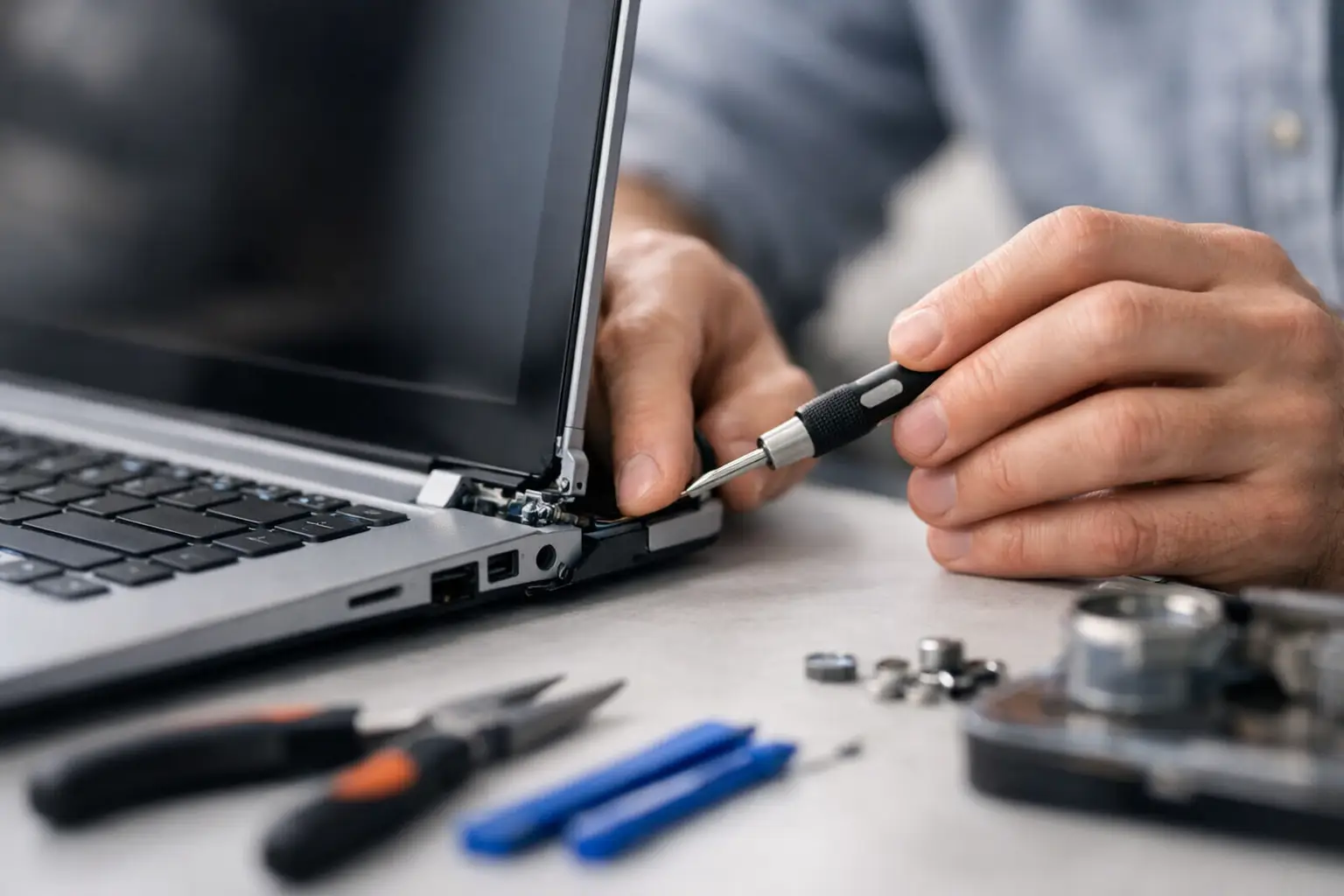

A laptop that fights you every time you open it is more than annoying. If the screen pulls away from the base, the case starts separating, or you hear a snap or grinding sound, you may be asking: can laptop hinge be repaired? In most cases, yes. But the best repair depends on whether the hinge itself is damaged, the plastic mounting points have broken, or the screen and internal cables have been affected.
Do not keep forcing the lid open and closed while you decide what to do. A loose or seized hinge can turn a repairable case problem into a cracked screen, torn display cable, damaged webcam, or broken Wi-Fi antenna. Getting it checked early is usually faster and less expensive than waiting for the lid to fail completely.
Can a Laptop Hinge Be Repaired?
A laptop hinge can often be repaired or replaced. The hinge is the metal mechanism that lets the display open, close, and stay at the angle you choose. However, many hinge failures involve more than the metal part. Hinges are attached to small screw mounts inside the screen lid and the laptop’s lower case. On many thinner consumer laptops, those mounting points are plastic and can crack or pull loose over time.
That distinction matters. A technician may be able to tighten or replace a loose hinge if the surrounding mounts are intact. If the mounts have broken, the repair may require reinforcing or replacing the display back cover, palm rest, bottom case, or another structural part. The right solution is based on the damage inside the laptop, not just what the hinge looks like from the outside.
A repair is usually worthwhile when the laptop is otherwise working well, has a good battery and screen, and still meets your needs. It may be less practical if an older computer needs multiple major parts at once, especially when replacement parts are hard to source. A straightforward inspection gives you the real numbers before you put more money into the device.
Signs Your Laptop Hinge Needs Attention
Hinge damage does not always start with a dramatic break. Often, it begins with a lid that feels tighter than usual or a small gap opening near a corner of the screen. The lid may make clicking, popping, creaking, or grinding sounds. You may also notice that the screen no longer sits straight when open.
Other warning signs include the keyboard deck lifting near the hinge, the outer display cover separating, or the laptop needing extra force to close. On some models, the hinge problem pulls on the screen cable each time the lid moves. That can cause flickering, lines on the display, a black screen at certain angles, or an intermittent webcam.
If the case is already separating, do not press it together with glue, tape, or clamps. Adhesive can seep into moving parts, make a professional repair harder, and hide damage that needs attention. Avoid using the laptop on your lap or moving it by the screen until it has been assessed.
What Usually Causes a Hinge to Break?
Normal wear is one cause, particularly for laptops that get opened and closed several times a day for school, work, or travel. Dust, wear, or lack of lubrication inside a hinge can make it stiff. As resistance increases, the hinge mounts take more stress every time the lid moves.
Accidental damage is another common reason. A laptop can be knocked off a desk, squeezed in an overstuffed bag, picked up by its screen, or opened from one corner instead of the center. Even a small impact can weaken the plastic around the screws, and the damage may only become obvious weeks later.
Some models are simply more prone to structural wear because they use very thin plastic mounting posts. That does not mean you caused the problem or that the laptop is beyond repair. It means the repair needs to address the full mounting area so the same weak point does not immediately fail again.
What a Professional Hinge Repair May Involve
A proper repair starts with opening the laptop safely and inspecting both hinges, the screws, the mounting points, and nearby cables. The technician checks whether one hinge has become too tight, whether the screen housing is cracked, and whether the display cable or wireless antenna has been pinched or stretched.
If the hinge is damaged but the case is sound, replacing the hinge assembly may be enough. When screw mounts have broken, a durable repair may involve replacing the damaged housing or reinforcing the mounting area. In some cases, both hinges should be replaced together. If one is worn or seized, the other may be under the same stress and could fail soon after.
Screen work can be necessary when the lid has twisted or the display panel is cracked. That adds cost, but it is far better than continuing to use a screen that is being pulled by a failing hinge. A good repair shop will explain which parts are needed, what can be saved, and whether repair remains the smart choice before moving forward.
How Much Does Laptop Hinge Repair Cost?
The cost depends on the laptop model and the extent of the damage. A hinge adjustment or simple replacement is typically less involved than repairing broken plastic mounts or replacing a display housing. Laptops with glued-in screens, very thin designs, or limited parts availability can take more labor and may cost more than a standard model.
The condition of nearby parts also changes the estimate. A repair involving only a hinge is one thing. A hinge plus a cracked screen, damaged display cable, broken case, or battery swelling issue is another. This is why a price based on a photo alone can be misleading. The hinge may look loose on the outside while the real problem is hidden underneath the bezel or keyboard area.
For a local repair, ask for a clear estimate that separates parts and labor when possible. You should also ask whether the repair includes checking for display and cable damage, whether a replacement part is new or used, and what happens if additional damage is found after disassembly. Straight answers matter when you are deciding between repair and replacement.
Should You Repair It Yourself?
A do-it-yourself hinge repair can look simple in a short video, but it is rarely a beginner-friendly job. Laptop displays contain fragile panels, small cables, adhesive, and screws of different lengths. One incorrect screw can puncture the display or motherboard. Pulling a bezel too aggressively can crack it, while reconnecting a screen cable incorrectly can create display problems that were not there before.
DIY repair makes the most sense for someone comfortable disassembling electronics who has the exact replacement parts, proper tools, and a service guide for that specific model. It is not a great experiment for the laptop you need for tomorrow’s class, work meeting, or business files.
If your files are important, back them up before any repair. A hinge repair does not usually affect data, but backups are always wise before a device is opened or transported. If the laptop cannot stay open safely, use it with an external monitor only if the screen cable and case are not under strain. Otherwise, shut it down and bring it in.
How to Prevent Another Hinge Failure
Open your laptop from the center of the lid with two fingers, rather than lifting one corner. This spreads pressure across both hinges and helps prevent the screen from twisting. Close it gently and make sure no charging cable, pen, earbud, or small object is sitting on the keyboard.
Carry the laptop in a padded sleeve or compartment that does not allow it to bend under books or other gear. Never pick it up by the screen. If the lid starts to feel unusually stiff, makes noise, or separates at a corner, stop using force. Early service can prevent the repair from becoming a screen replacement.
For residents near Aston, Havertown, Media, and surrounding Delaware County communities, CNA Computer Repair & Sales can inspect a damaged laptop hinge, explain the repair options in plain language, and help you decide whether fixing it makes financial sense. The best next step is simple: protect your files, stop forcing the lid, and get the problem looked at before one stubborn hinge takes out the rest of the laptop.
Leave a Reply