

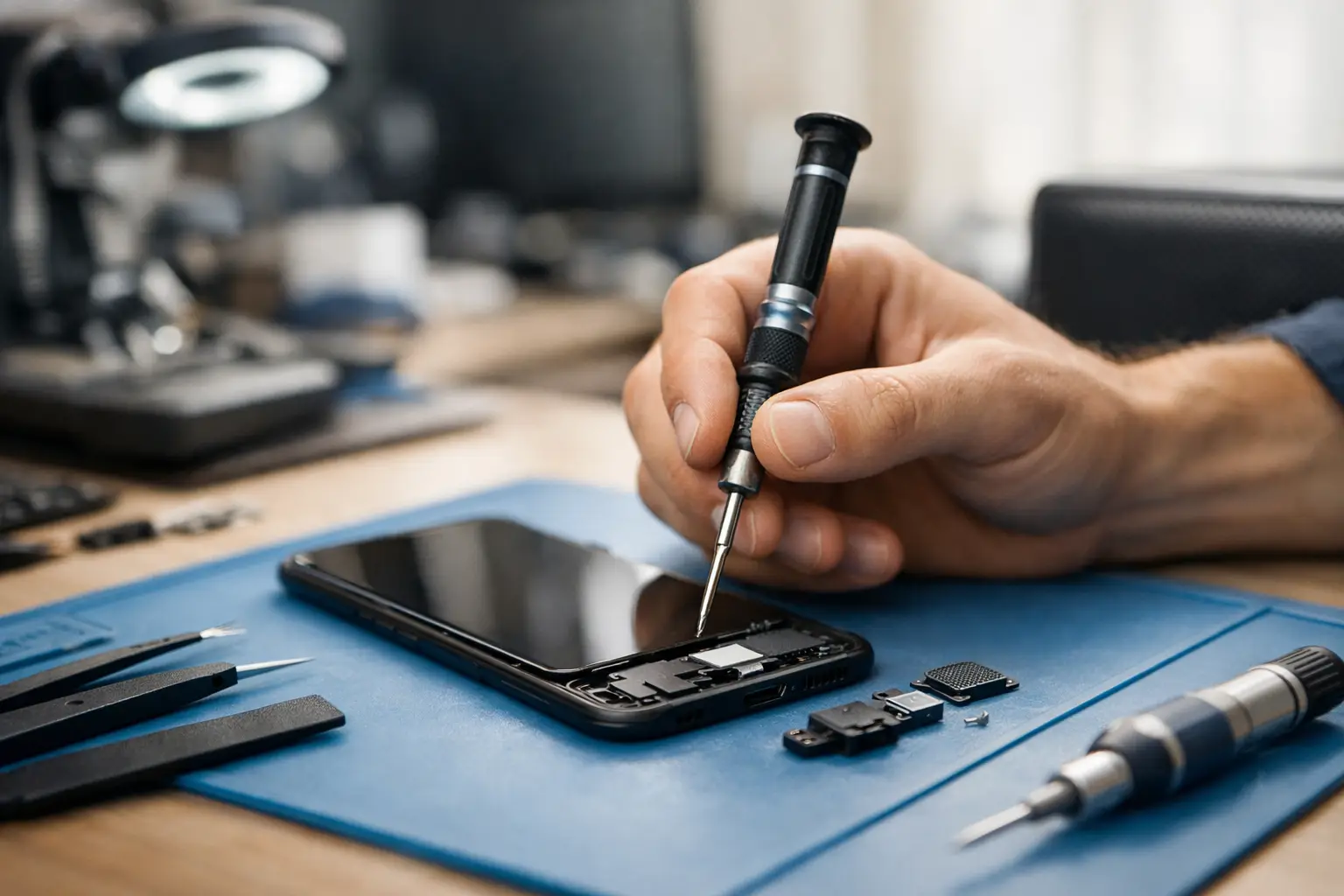

A phone with no sound creates problems fast. You miss calls, cannot hear turn-by-turn directions, and may not realize an alarm is going off. Android phone speaker repair can be a simple fix when a setting or blocked speaker grille is responsible, but distorted, crackling, or completely silent sound may point to a damaged speaker that needs professional attention.
Before replacing your phone or assuming the repair will be expensive, take a few minutes to narrow down what is actually happening. The right diagnosis helps avoid wasted money and gets your phone back to doing its job.
Android Phone Speaker Repair Starts With the Symptom
Not every sound problem comes from the phone’s main speaker. Android phones use different components for speakerphone calls, media playback, alarms, and the small earpiece speaker you hold to your ear during calls. Knowing when the issue occurs gives a repair technician a much clearer starting point.
If music, videos, ringtones, and speakerphone calls are all silent, the bottom or rear loudspeaker may have failed. If you can hear music but cannot hear a caller unless speakerphone is on, the earpiece speaker may be the problem instead. A phone that sounds muffled only on calls could also have a blocked earpiece mesh, a case covering a microphone, or a network-related calling issue.
Crackling or rattling is another common warning sign. It often means the speaker diaphragm has been damaged by a drop, moisture, or long-term exposure to dust and debris. Turning the volume down may make it less noticeable, but it will not repair the part. In fact, consistently pushing a damaged speaker at full volume can make the sound worse.
Try These Safe Checks Before Booking a Repair
A few quick checks are worth trying because Android settings and Bluetooth connections can send sound somewhere other than the phone speaker. They are safe, take only a few minutes, and may save you a trip.
First, remove the phone case and make sure it is not covering the speaker opening. Raise the media volume while a video or song is actually playing, since Android keeps separate volume controls for media, calls, alarms, and notifications. Also check that Do Not Disturb is not silencing the alerts you expect to hear.
Next, turn Bluetooth off temporarily. Your phone may still be connected to earbuds, a car, a smartwatch, or a speaker in another room. If sound comes back as soon as Bluetooth is turned off, the phone speaker itself is likely fine.
Restarting the phone can clear a temporary software problem, especially if audio disappeared after an update or an app froze. Test sound in more than one place afterward. Try a music app, a video, a ringtone preview, and a regular phone call. If only one app has no audio, the issue is more likely with that app’s permissions, settings, or installation.
Finally, look closely at the speaker grille under good light. Pocket lint, makeup, dirt, and fine debris can clog the tiny openings and make the phone sound weak. Use a soft, dry brush to gently clean the surface. Do not insert pins, toothpicks, compressed air at close range, or liquid into the grille. Those shortcuts can puncture the speaker mesh, push debris deeper, or introduce moisture where it does not belong.
When the Problem Is More Than a Setting
If the phone is still silent after these checks, physical damage becomes more likely. A professional diagnosis is particularly worthwhile after a drop, water exposure, charging-port damage, or a recent screen repair. These events can affect more than one component.
A drop can loosen an internal connection or damage the speaker assembly even when the screen looks perfect. Water is more unpredictable. A phone may seem normal immediately after getting wet, then develop muffled audio, corrosion, or intermittent sound days later. Charging the phone or repeatedly testing it while moisture is present can make the damage worse.
There is also a difference between a quiet speaker and a failing speaker. Quiet sound may be caused by debris, a worn component, or an incorrectly seated part after prior service. A speaker that cuts in and out, crackles at normal volume, or works only when the phone is pressed or moved often needs internal repair.
Software can occasionally be responsible, but it depends on the timing. If sound stopped immediately after a system update and the speaker works normally with headphones or Bluetooth, troubleshooting software makes sense. If it stopped after a fall or moisture exposure, installing updates and resetting settings are unlikely to fix damaged hardware.
What a Professional Speaker Repair Should Include
Quality android phone speaker repair is not just about swapping a part and hoping for the best. A technician should test the phone’s loudspeaker, earpiece, microphone, charging port, and audio routing before and after the repair. This matters because a customer may describe a speaker problem when the real issue is a microphone, blocked mesh, Bluetooth connection, or board-level damage.
The repair process usually involves opening the phone, inspecting the speaker module and contacts, replacing the failed component if needed, then testing calls, media, alerts, and speakerphone. Modern Android phones are tightly assembled, and many use adhesive seals around the screen or back cover. Trying to open one without the correct tools can crack the display, damage cables, or reduce its resistance to dust and moisture.
Price and turnaround time depend on the phone model and the cause of the failure. A straightforward speaker replacement is generally less involved than liquid-damage cleanup or a charging issue affecting audio. Older models may have readily available parts, while newer or less common devices can require ordering a specific component. A repair shop should explain what they found, what needs to be replaced, and the expected cost before work begins.
Do Not Let a Small Audio Problem Become a Bigger One
It is tempting to keep using headphones and ignore a bad phone speaker. That can work temporarily, but it is not ideal if you depend on your phone for work calls, emergency alerts, school messages, or navigation. A failing speaker can also be the first noticeable symptom after water damage, and corrosion does not usually improve on its own.
Back up your phone if it is still working, especially after a spill or drop. Avoid charging a wet phone, avoid heat sources such as a hair dryer, and do not rely on rice to pull moisture out of internal components. If the phone has been exposed to liquid, power it down when possible and have it assessed promptly.
For local customers who need a clear answer without the runaround, CNA Computer Repair & Sales can inspect Android audio problems, explain the repair options, and help determine whether replacing the speaker makes financial sense. You should not have to guess whether your phone needs a setting adjustment, a cleaning, or a new part.
A phone speaker problem is frustrating, but it does not automatically mean it is time to buy a new phone. Start with the safe checks, pay attention to when the sound fails, and get a professional diagnosis when damage or inconsistent audio is involved. A quick repair can put calls, music, alarms, and everyday convenience back where they belong.
Leave a Reply