

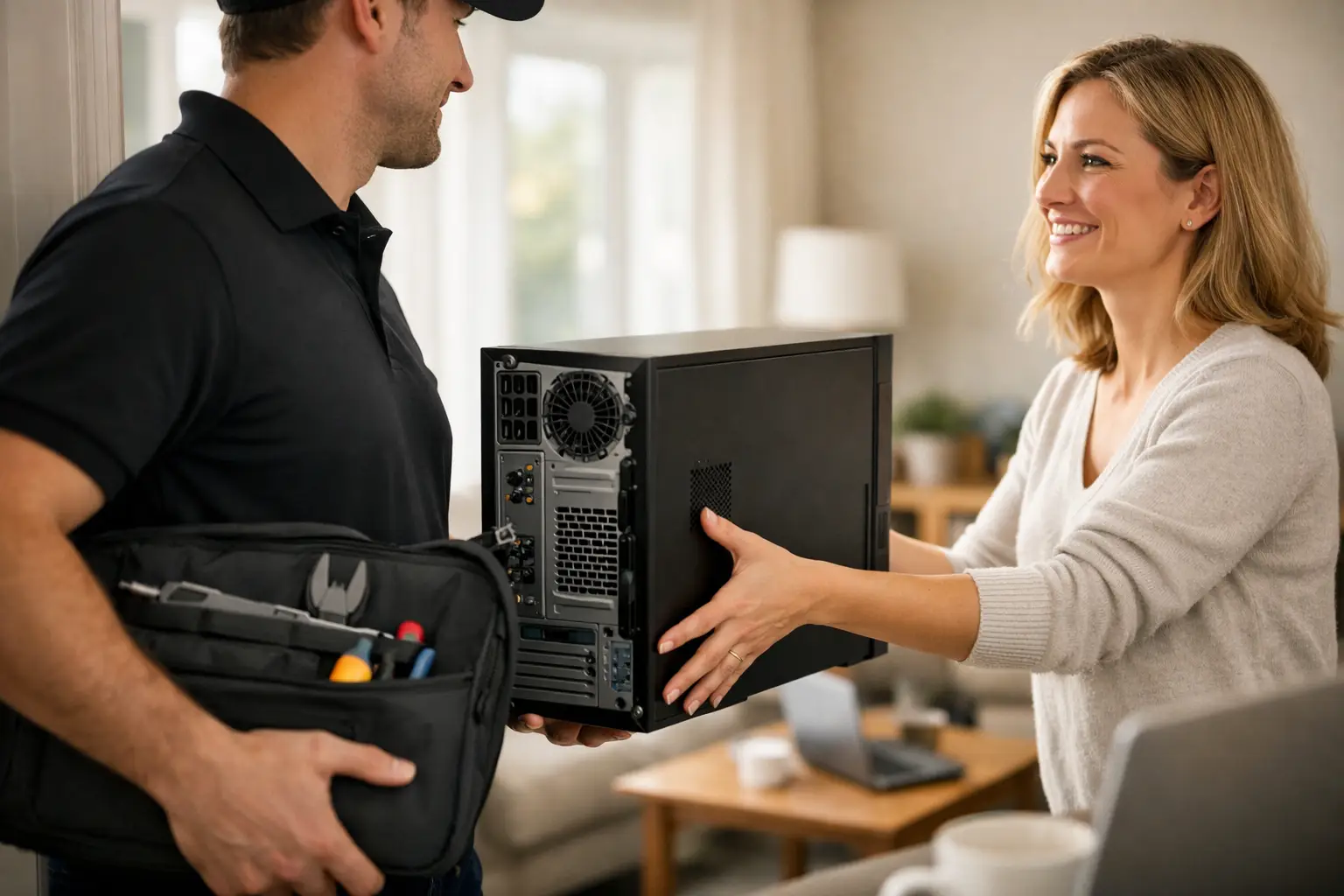

A computer problem rarely happens when you have time to deal with it. Your laptop stops charging before a work deadline, your desktop will not start when you need tax documents, or a virus makes online banking feel unsafe. A home computer pickup service takes the trip to the repair shop off your plate, so you can get real help without rearranging your day.
For busy families, professionals, students, and small business owners, pickup and drop-off can be the difference between putting off a repair and getting it handled now. CNA Computer Repair & Sales provides local pickup service with no travel fees or surprise costs, backed by the same straightforward support you would receive in the shop.
When a Home Computer Pickup Service Makes Sense
Bringing a computer in yourself is not always difficult, but it is not always practical either. Desktop towers are heavy and awkward to move. A laptop problem may hit in the middle of a packed workday. If you are caring for children, recovering from an injury, sharing one vehicle, or simply do not want to drive around with a device full of personal files, pickup is a better option.
It is also a smart choice when the problem is unclear. A computer that freezes, restarts, runs painfully slow, or will not connect to the internet can have many causes. You should not have to guess whether it is a virus, a failing hard drive, a Windows issue, or a hardware problem before asking for help. A technician can inspect the device, explain what is wrong in plain English, and give you clear options before work moves forward.
Pickup service is especially useful for desktop computer repair. Trying to disconnect every cable, carry a tower downstairs, and remember where everything plugs back in can turn a simple repair into a frustrating project. Having the computer collected and returned lets you stay focused on what matters: getting it working again.
What Problems Can Be Fixed After Pickup?
A pickup service is not limited to one type of repair. Most common PC and Mac issues can be diagnosed and repaired after your computer is safely brought in. That includes virus and malware removal, slow performance, startup failures, blue-screen errors, broken charging ports, battery problems, overheating, cracked laptop screens, and operating system issues.
Data recovery is another reason customers choose pickup. If a computer will not boot and your photos, school files, business records, or financial documents are stored on it, avoid repeatedly restarting it or trying random online fixes. Continued use can make some failures worse. A proper evaluation can determine whether the data is accessible and what recovery options make sense.
Not every problem requires the same repair path. A computer with a bad battery may be a quick, affordable fix. An older device with major board damage or a failing drive may call for a more careful conversation about repair cost, data needs, and whether replacement is the smarter move. Honest recommendations matter more than pushing a repair that does not fit the situation.
How Pickup and Drop-Off Usually Works
The process should be simple. You call, speak with a live person, describe the issue, and arrange a convenient pickup time. You do not need to know the exact technical name for the problem. Explain what you see: no power, a strange pop-up, a cracked screen, lost files, or a computer that takes ten minutes to open a browser.
At pickup, the device is transported to the repair location for diagnosis and service. Once the issue has been identified, you receive an update on the recommended repair and cost. That way, there is no confusion about the next step. After the repair is complete, the computer is dropped back off so you can get back to work, school, streaming, gaming, or staying connected with family.
Turnaround depends on the issue and parts availability. Many common repairs can be completed quickly, while liquid damage, difficult data recovery, or devices that need special-order parts may take longer. A good repair company will set realistic expectations instead of making vague promises just to win the job.
Before Your Computer Is Picked Up
You do not need to be a tech expert to prepare for service, but a few quick steps can prevent delays and protect your privacy. If the computer still turns on, save any current work and make a backup if you can. If it will not turn on, do not worry. Tell the technician what files are most important to you.
Before pickup, gather the items that may be needed for testing or repair:
- The laptop or desktop computer, plus its power adapter
- Any charger, docking station, or cable connected to the problem
- Your Windows, Mac, or device login password if repair requires access
- A short note describing the issue and when it started
- Any relevant error message, recent spill, drop, or software change
For desktop computers, take a quick photo of the cable connections before unplugging anything. It can be helpful when the system comes home. If you have a concern about sensitive information, say so when scheduling. A professional repair team should treat your personal files, passwords, and photos with care.
Pickup Is More Than Convenience
The biggest benefit is time, but that is not the only reason to use a pickup service. Computer issues often create stress because they interrupt everything else. You may be unable to submit an assignment, access your email, print forms, attend a video meeting, or use the one computer your family shares.
A local repair company can make the process less impersonal. Rather than dropping your device into a large retail counter and waiting for an update, you can speak to someone who understands the problem you are dealing with. You can ask what happened, whether it can happen again, and what steps will help protect the computer going forward.
There is also value in avoiding hidden costs. Travel fees, confusing diagnostic charges, and unclear repair estimates are frustrating when your computer is already down. Ask how pickup is handled, whether there is a travel charge, and when you will approve the repair. Clear answers up front make it easier to choose service with confidence.
Choosing the Right Local Repair Team
Price matters, but the lowest advertised price is not always the best value. A cheap repair that uses poor-quality parts, skips testing, or does not address the real cause of the problem can cost more later. Look for a repair provider that explains the issue clearly, gives you an estimate, and is easy to reach if you have questions.
Speed matters too, particularly when your computer is essential for work or school. Ask about expected turnaround and whether common repairs can be completed within a day. For urgent problems, it helps to work with a local team that can communicate directly instead of routing you through a distant call center.
If you live in Aston, Havertown, Media, Springfield, Wallingford, or nearby Delaware County communities, pickup and drop-off can save a major errand while still giving you access to local, personal service. Whether your device is a Windows desktop, MacBook, gaming laptop, or everyday family computer, the goal is the same: a dependable repair without unnecessary hassle.
A computer should not sit broken on the kitchen table for another week because getting it repaired feels like too much work. Call for a clear quote, arrange pickup, and let a local technician help get your device and your routine back on track.
Leave a Reply