

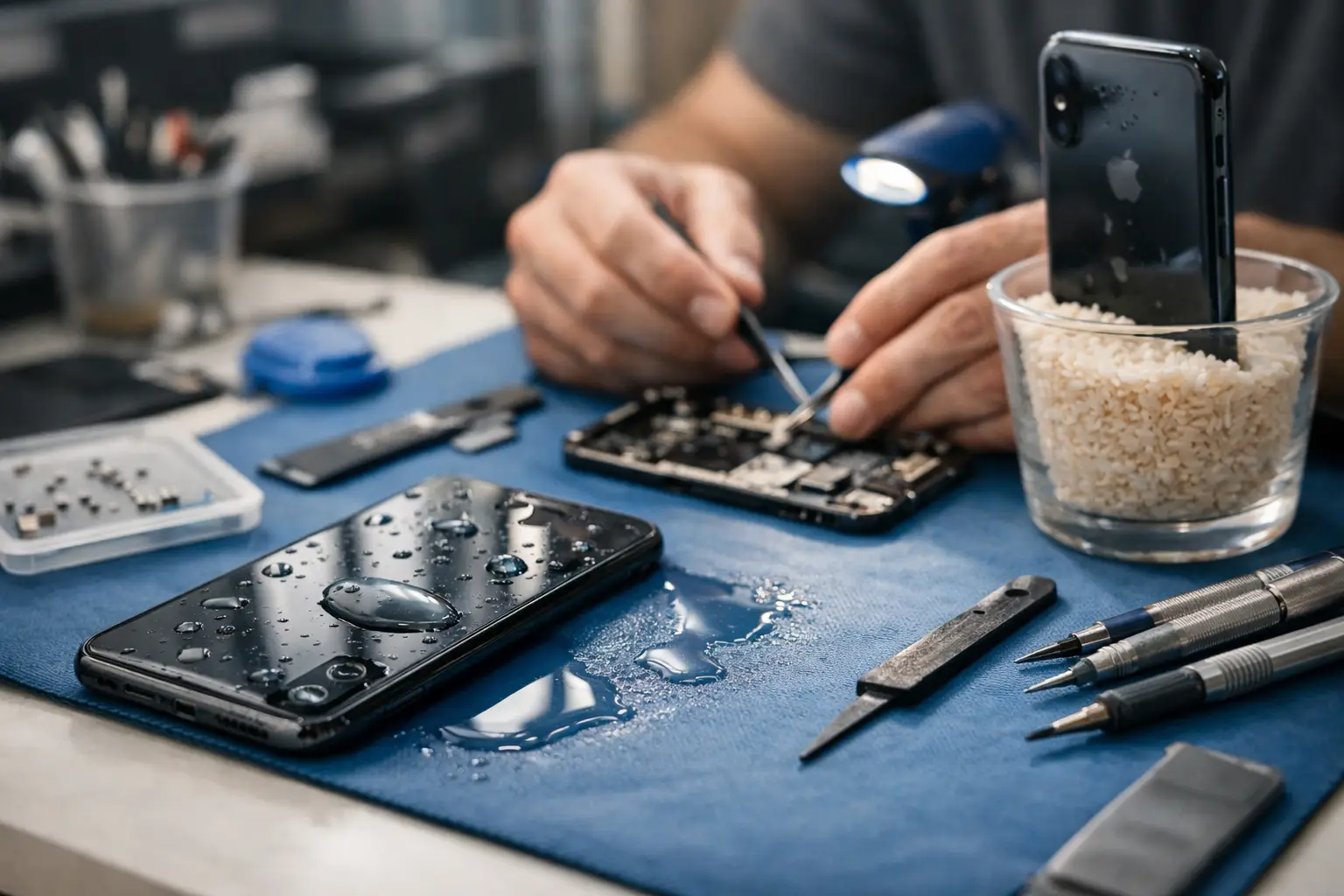

Your iPhone falls in the sink, a drink spills across the table, or it gets soaked in the rain during a rushed trip to the car. That first minute matters more than most people realize, and a good iphone water damage repair guide can be the difference between a simple cleanup and a much more expensive repair.
Water damage is tricky because the phone may look fine at first. The screen might still light up. You might even be able to answer a text. Then a few hours later, Face ID stops working, the speaker sounds muffled, the battery drains fast, or the phone will not turn on at all. That delay is why people often wait too long.
What to do immediately after water gets into your iPhone
The first step is simple – get the iPhone out of the water fast and turn it off. If it is already off, leave it off. Do not test it, do not keep pressing buttons, and do not plug it in to see whether it charges. Electricity and moisture are a bad combination, and that quick test can cause more internal damage.
Remove any case or accessories right away. If you use a Lightning cable, unplug it. If your model has a SIM tray, it can help to remove it so trapped moisture has another way to escape. Then dry the outside with a clean, soft cloth. Focus on blotting, not shaking. Shaking the phone can push water deeper inside.
If there is obvious liquid around the charging port or speaker openings, hold the phone with the port facing down and gently let gravity help. You are not trying to force the water out. You are just avoiding pushing it further in.
What not to do
A lot of bad advice still circulates online. Rice is the classic example. Putting an iPhone in a bowl of rice does not remove corrosion from the logic board, and rice dust can create its own problems around ports and openings. It feels proactive, but it is usually wasted time.
Skip the hair dryer too. Heat can damage internal components, adhesives, and the battery. Compressed air is also risky because it can force moisture deeper into the phone. The same goes for putting the phone on a heating vent or in direct sunlight for hours.
The biggest mistake is charging it too soon. People want reassurance that the phone still works, but plugging in a wet iPhone can turn a salvageable repair into board-level damage. If your data matters, patience is worth it.
How serious is the damage?
Not every wet iPhone has the same problem. A quick splash is different from full submersion. Clean water is different from salt water, pool water, coffee, soda, or soapy sink water. Liquids with minerals, sugar, or chemicals leave behind residue that continues to corrode parts even after the phone looks dry.
That is why an iphone water damage repair guide has to be honest about trade-offs. Sometimes the fix is minor. Sometimes the phone powers on but has hidden damage that shows up later. In more severe cases, the main goal shifts from saving the device to recovering photos, contacts, and important files before the damage spreads.
A newer iPhone with water resistance can survive a brief accident better than an older model, but water resistance is not the same as waterproof. Age, previous repairs, worn seals, and cracked screens all make the phone more vulnerable. If your screen was already damaged, liquid can get in much more easily.
Signs your iPhone needs professional water damage repair
Some warning signs show up right away. Others take a day or two. If the iPhone will not power on, restarts on its own, gets unusually hot, shows lines on the display, stops charging, or has no sound through the speakers, you should assume internal damage is present.
Camera fogging is another common clue. If you see moisture inside the camera lens, liquid has made its way into the phone. Face ID failure, microphone issues, weak Wi-Fi, and random touch problems can also point to water damage affecting multiple components.
Battery swelling or a hot charging area should be treated seriously. At that point, using the phone normally is not worth the risk. A professional inspection can determine whether the issue is limited to one part or whether the board itself has corrosion.
Why fast repair matters
Water damage is one of those problems that gets worse while you wait. The liquid itself is only part of the issue. Corrosion is what causes many of the lasting failures. Once moisture sits on connectors, chips, and solder joints, those materials start breaking down.
That is why speed matters. A quick professional cleaning and inspection can sometimes stop the damage before it spreads. Wait too long, and a repair that could have been affordable may turn into a more complex job involving multiple parts or data recovery work.
For busy families, students, and working professionals, that timing matters for another reason. Your iPhone is not just a phone. It holds photos, banking apps, messages, work accounts, school logins, and two-factor authentication codes. Losing access for days can create a much bigger headache than the repair itself.
What a repair shop actually does
Many customers assume water damage repair just means drying out the phone. In reality, proper service is more involved. A technician will usually inspect the device, open it, look for visible corrosion, disconnect the battery, and evaluate which components were affected.
If the damage is limited, the phone may need internal cleaning, connector treatment, and replacement of one or two parts such as the screen, battery, charging port, speaker, or cameras. If the logic board has corrosion, the repair becomes more specialized. That does not always mean the phone is beyond saving, but it does mean the diagnosis matters.
A good local repair shop will also talk straight with you about cost versus value. Sometimes repairing the iPhone makes sense. Sometimes data recovery is the smarter move. And sometimes, especially with an older device, you are better off getting the data off the phone and putting the money toward a replacement.
When to bring it in instead of waiting
If the phone was fully submerged, exposed to salt water, dropped in a toilet, soaked with a sugary drink, or has a cracked screen, bring it in as soon as possible. Those cases are less forgiving than a quick splash. Waiting overnight rarely improves the situation.
The same is true if you rely on the phone for work, school, or family communication. If you need a fast answer instead of guessing, having a technician inspect it can save time and prevent more damage. For local customers in Aston, Havertown, Media, Springfield, and nearby areas, getting help quickly is often the best way to avoid a complete failure later.
Can you still recover your data?
Often, yes – but it depends on what was damaged. If the screen is dead but the board is still functional, data recovery may be straightforward. If the phone will not turn on because of board-level corrosion, recovery can still be possible, but the process is more involved.
This is another reason not to keep trying random fixes at home. Repeated charging attempts, cheap replacement parts, or opening the phone without the right tools can make recovery harder. If your photos, notes, contacts, or business information matter, it is smarter to treat the phone carefully and get a proper evaluation.
A practical iphone water damage repair guide for the next 30 minutes
If you need a simple plan, here it is. Turn the phone off, remove the case, unplug all accessories, dry the outside gently, keep the charging port facing down, and do not charge it. Then get a professional opinion as soon as you can, especially if the phone was submerged or starts acting strangely.
That approach is not dramatic, but it is the one that protects your phone best. Water damage is one of the few repair issues where doing less in the moment often helps more. Quick action matters, but careless action can make a bad situation worse.
If your iPhone has been exposed to water, the best next step is not guessing. It is getting a clear answer from someone who can inspect it, explain the damage in plain English, and help you decide whether repair, cleanup, or data recovery makes the most sense. A fast, honest diagnosis can save both your phone and your day.
Leave a Reply