

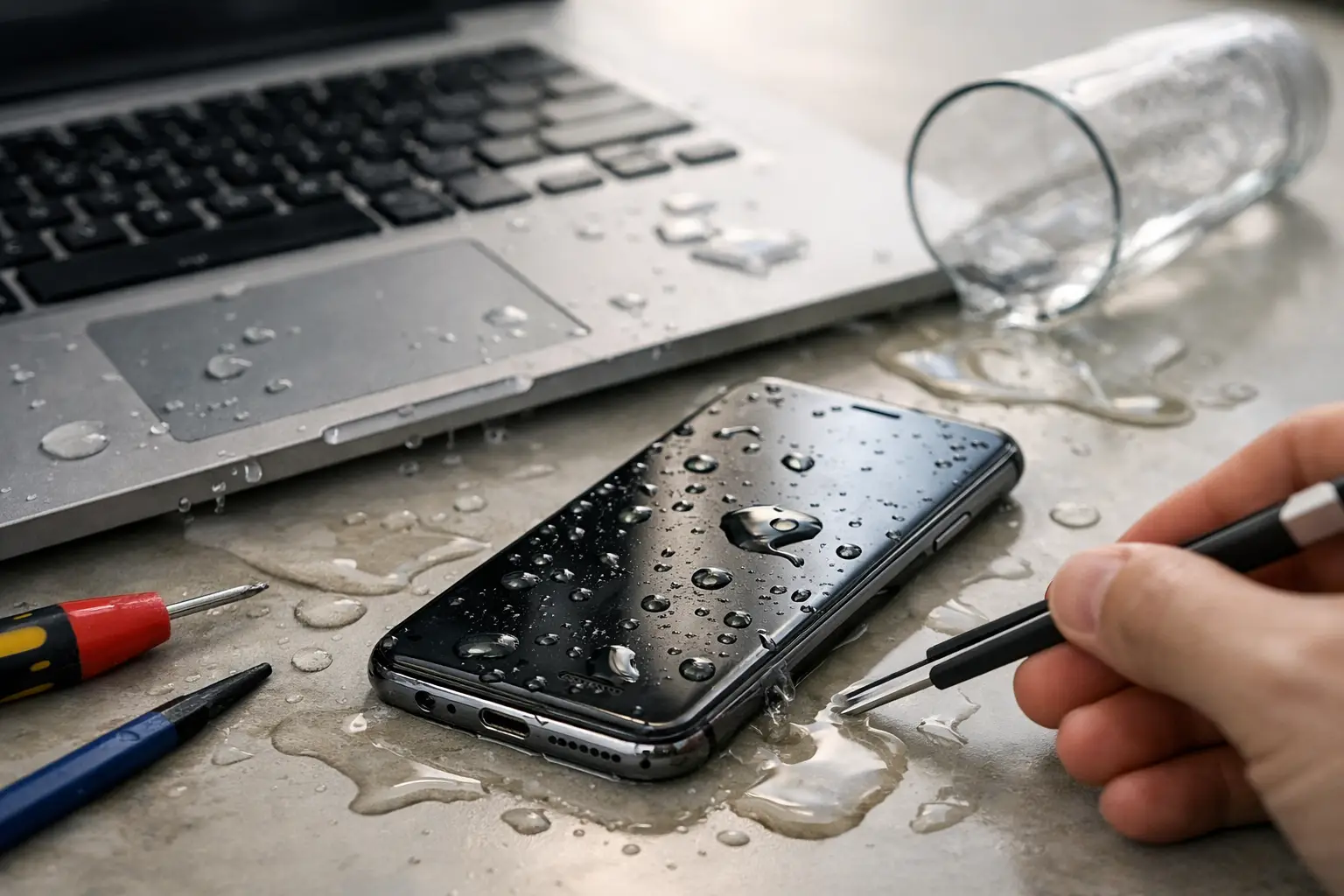

That split second after a phone hits the sink or a laptop catches a drink spill feels expensive for a reason. If you are searching for how to save water damaged devices, the first few minutes matter more than most people realize. The right move can protect your screen, battery, and data. The wrong one can turn a repairable device into a dead one.
Water damage is not always immediate. A phone may still power on, a laptop may look fine for an hour, and a tablet may seem to dry out on its own. Then corrosion starts, residue spreads across the board, and suddenly the device will not charge, the touch screen acts up, or it goes completely black. That is why speed matters.
How to save water damaged electronics without making it worse
Start by turning the device off right away. If it is already off, leave it off. Do not test it again to see if it still works. That quick check is one of the most common mistakes because power moving through wet components can cause short circuits instantly.
If you can safely remove the battery, do it. On many newer phones and tablets, that is not realistic, so just power the device down and do not plug it in. Unplug laptops from chargers immediately and disconnect any accessories like mice, flash drives, headphones, or external keyboards.
Next, dry the outside with a clean towel or paper towel. You are not trying to force water deeper into ports or speakers. You are just removing what is sitting on the surface. If the spill involved coffee, soda, juice, or anything sugary, the situation is more serious than plain water because sticky residue keeps causing problems even after the liquid dries.
Keep the device in a stable position and avoid shaking it aggressively. People often panic and start waving a phone around or flipping a laptop over repeatedly. That can spread liquid to parts that were not affected yet.
The first steps depend on the device
Phones and tablets
Remove the case, SIM tray, memory card, and anything else detachable. Stand the device upright or place it so gravity can help liquid drain out of ports. If the phone fell into clean water for a second, you may have a better shot than if it sat in a bag with a leaking bottle for an hour.
Do not use a hair dryer on high heat. Heat can warp internal parts and push moisture further inside. A fan with gentle airflow is a safer choice. Silica gel packs can help in a pinch. Rice gets recommended all the time, but it is not a real fix. It can leave dust in ports and it does nothing to remove mineral deposits or corrosion.
Laptops
For a laptop spill, turn it off, unplug it, and if possible place it in an open tent position so liquid does not pool under the keyboard. Some people suggest turning it upside down in a V shape. That can help with drainage, but only if you do it carefully and stop handling it once it is positioned. The goal is to limit spread, not keep moving the liquid around.
If the spill was large, or if it reached the keyboard and trackpad area, assume some liquid made it to the motherboard. Even if the laptop starts later, that does not mean it is safe. Internal cleaning is often what makes the difference between a short-term recovery and a much bigger failure two weeks later.
Desktop computers
Desktop towers usually get lucky because the spill may only affect a keyboard, monitor, or the outside of the case. Still, shut the system down and unplug it. If liquid entered the top vents or front panel, stop using it until it is inspected. Desktops are often easier to save because components can be cleaned or replaced individually, but waiting too long can still lead to corrosion.
What not to do if you want to save water damaged devices
A lot of water damage gets worse because people follow bad advice from old forum posts or social media clips. If you want a real chance at saving the device, avoid these mistakes.
Do not charge it. Do not plug it into a computer. Do not keep pressing the power button. Do not use an oven, microwave, space heater, or leave it baking in direct sun. And do not assume that if it turns back on, the danger has passed.
The hardest advice to follow is this one: do not wait too long just because the device seems okay. Water damage is often a delayed problem. Corrosion can continue working quietly until charging fails, sound cuts out, keys stop responding, or the device dies for good.
When a water damaged device can be saved at home
Sometimes basic first aid and drying are enough, especially when the liquid exposure was brief and limited. A phone that got splashed but never submerged, or a laptop that only caught a few drops near the edge, may recover without major repair.
But even then, there is a trade-off. You might get lucky, or you might get temporary function followed by bigger problems later. That is why home drying is best treated as damage control, not a complete repair plan.
If the device contains important photos, school files, business documents, or anything you cannot replace, be careful about taking chances. A working device with hidden corrosion can fail at the worst possible time.
When professional water damage repair is the smarter move
If the device was submerged, exposed to sugary or dirty liquid, left wet for hours, or is showing any strange behavior, professional cleaning is usually worth it. The same goes for devices that will not power on, will not charge, show a dim screen, overheat, restart randomly, or have distorted audio after a spill.
A proper repair is not just about drying. It often involves opening the device, disconnecting power sources, cleaning corrosion from the board, checking connectors, testing affected parts, and figuring out whether the battery, charging port, screen, keyboard, or board itself took the hit.
This is where speed really pays off. The sooner a water damaged device is opened and cleaned, the better the odds of saving both the hardware and the data. Waiting a week to see what happens usually makes the repair harder and more expensive.
How to save water damaged data, not just the device
For many people, the device matters less than what is on it. Family photos, tax records, school assignments, business files, passwords, and notes can be far more valuable than the phone or laptop itself.
If that sounds like your situation, avoid repeated power attempts. Every extra try can reduce the chance of clean data recovery. A technician may be able to stabilize the device long enough to pull files or move data to a safe drive, even if the full repair is not worth the cost.
This is especially true with laptops and phones that were already low on battery when the spill happened. Once corrosion reaches power circuits, the device can stop responding completely.
Repair or replace? It depends on the damage and the device
Not every water damaged device makes financial sense to fix. A newer laptop with valuable files or a high-end phone is often worth professional repair. An older budget tablet with severe corrosion may not be.
The liquid type matters too. Clean water is the best-case scenario. Saltwater, pool water, soda, coffee, and pet-related accidents are much tougher because they leave conductive or corrosive residue behind. The longer the exposure, the worse the outlook.
Age is another factor. If a device already had battery issues, charging problems, or a cracked screen before the spill, the total repair cost may stack up fast. That said, many people are surprised by how often a quick, targeted repair saves a device for far less than replacement.
Fast local help can make the difference
When water damage happens, people usually need answers the same day. They want to know if the device can be saved, how much it may cost, and whether their files are still there. That is why working with a local repair shop that can inspect the device quickly is often the most practical option.
At CNA Computer Repair & Sales, we see this all the time with phones dropped in sinks, laptops hit by coffee, and tablets damaged during travel or school. Fast inspection, honest pricing, and real cleanup work matter more than guesswork. For customers in Aston, Havertown, and nearby areas, getting the device looked at quickly can prevent a bad situation from getting worse.
If your device got wet today, do the simple things right. Power it down, keep it unplugged, dry the outside, and stop testing it. Then get it checked before hidden damage has time to spread.
Leave a Reply