

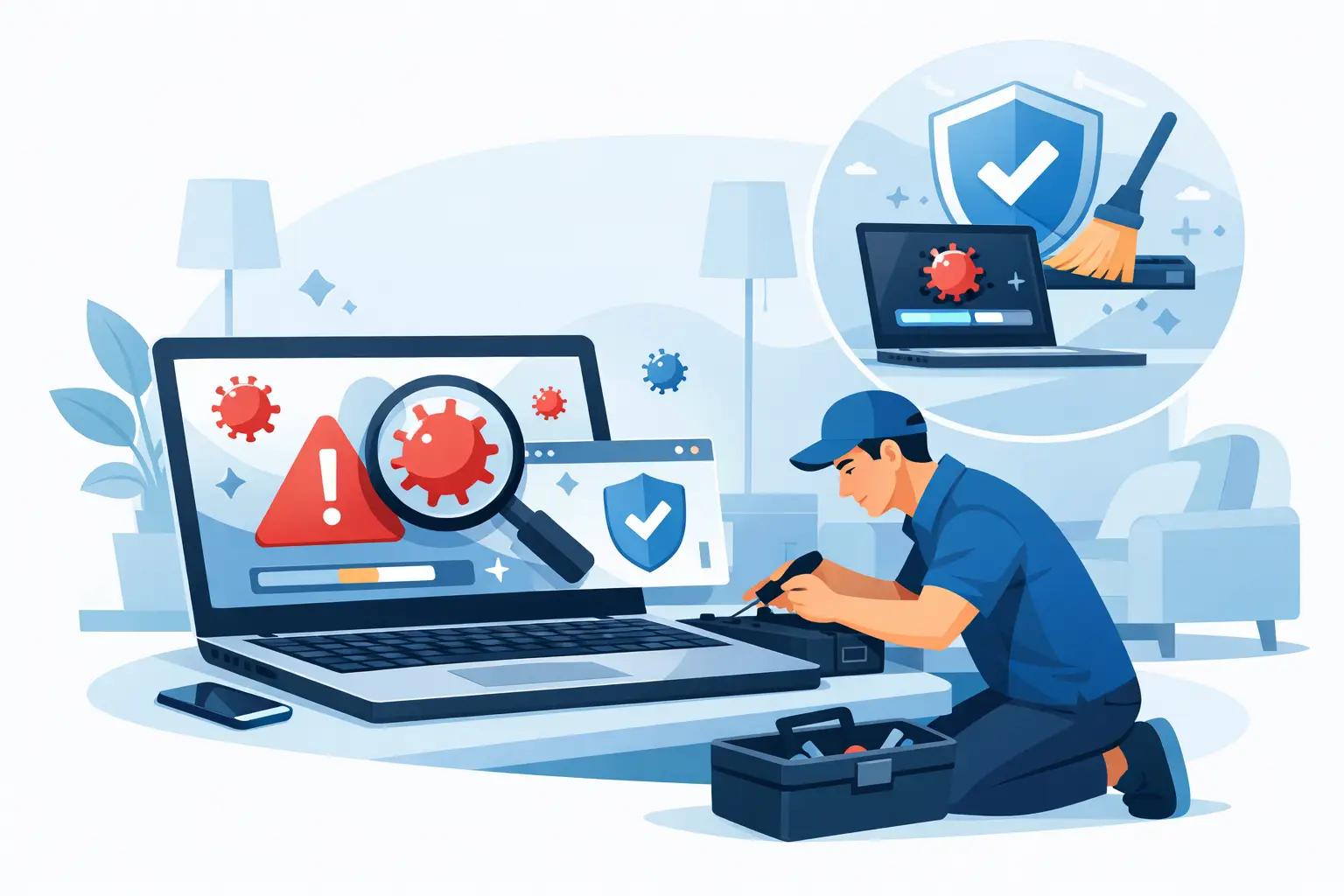

Your laptop suddenly gets loud, slow, and weird at the worst possible time – right before class, during work, or when you just need to pay a bill. If you need virus removal for laptop problems, speed matters, but so does doing it the right way. A rushed fix can miss the real infection, and the wrong click can make things worse.
A lot of people assume a virus is only a problem if the laptop will not turn on. That is not how most infections show up. More often, you see constant pop-ups, a browser that keeps redirecting, programs opening on their own, fake security alerts, or a battery that drains faster than normal because something is running in the background.
The tricky part is that not every slow laptop has a virus, and not every virus looks obvious. Sometimes it is malware hiding behind a fake software update. Sometimes it is adware bundled with a free download. Sometimes it starts with one suspicious email attachment and turns into stolen passwords, disabled security tools, or corrupted files.
Signs you may need virus removal for laptop issues
If your laptop is acting strangely, trust the pattern more than any one symptom. One random glitch might be nothing. Several problems showing up together usually means something is off.
A common sign is a major drop in performance. If the laptop takes forever to boot, freezes while opening simple programs, or the fan runs nonstop even when you are barely using it, malware could be using system resources in the background. Another red flag is your browser changing on its own. If your homepage is different, your default search engine changed, or you keep landing on websites you never tried to visit, that is often tied to adware or browser hijacking.
You should also pay attention to security warnings that do not look right. Fake antivirus pop-ups are designed to scare you into clicking. They may claim your computer is infected and push you to buy software immediately. Real security tools do not usually behave like an alarm siren with flashing ads.
If friends or coworkers say they got strange emails from you, or if your online accounts start locking you out, the problem may be bigger than the laptop itself. At that point, the infection may have exposed saved passwords or account data.
What to do first when your laptop seems infected
Start by disconnecting from Wi-Fi. That simple move can help stop malware from communicating with outside servers, downloading more harmful files, or spreading through email and cloud-connected apps. If you use the laptop for banking, work logins, or anything sensitive, pause those activities right away.
Next, avoid random internet advice that tells you to download three or four cleanup tools from sites you have never heard of. That is how many people end up with even more junk on the system. If you already have trusted antivirus software installed, run a full scan. If the laptop is too unstable to finish a scan, that alone is a sign the issue may need professional attention.
If possible, back up important files carefully. Focus on documents, photos, and personal data, not unknown programs or suspicious downloads. There is a trade-off here. Backing up data is smart, but copying infected files to another device can spread the problem if you are not careful. When in doubt, it is better to ask for help before moving large amounts of data around.
You should also change your passwords, but do it from a different clean device, not the possibly infected laptop. Start with email, banking, shopping, and any account that stores payment information.
Can you remove a laptop virus yourself?
Sometimes, yes. If the problem is mild adware, a suspicious browser extension, or a known malware file that your security software can isolate, a home fix may work. This is especially true if you caught the issue early and the laptop is still usable.
But there is a big difference between basic cleanup and real virus removal. A pop-up problem might look solved after you delete one bad program, yet hidden malware can remain in startup items, browser settings, scheduled tasks, or system files. That is why some laptops seem better for a day and then go right back to acting up.
Macs and Windows laptops can both get infected, even though people still assume Macs are immune. They are not. The type of threat may differ, but the risk is real on both platforms, especially when users install unverified apps, click phishing links, or ignore software updates.
If you are not comfortable working in safe mode, checking startup behavior, reviewing installed apps, and verifying that security settings were not changed, do not force it. There is no prize for turning a fixable problem into data loss.
When professional virus removal makes more sense
Professional service is usually the better call when the laptop will not boot normally, keeps showing fake alerts, blocks your antivirus from running, or still behaves badly after a scan. It also makes sense if the device contains family photos, school files, tax records, or business documents you cannot afford to lose.
A proper repair is not just about deleting malware. It is about checking what the infection changed. That can include browser settings, startup programs, account exposure, system health, and whether your files are still intact. In more serious cases, the safest path may be removing the infection, securing the operating system, and making sure the laptop is stable before it goes back into daily use.
That is where local repair help can save a lot of time. Instead of guessing, reinstalling random software, or spending hours in online forums, you can talk to a real person who deals with infected laptops every day. For customers around Aston, Havertown, and nearby areas, fast local service can mean less downtime and less stress.
What good virus removal for laptop service should include
Not all repair service is equal. The cheapest option is not always the best option if it only treats the symptom and not the cause. A good service should verify the infection, remove malicious software, and check whether system performance returns to normal afterward.
It should also include honest communication. If your files are at risk, you should be told clearly. If the laptop needs more than malware removal because the operating system is damaged, you should know that upfront. Hidden fees and vague language are usually a bad sign.
Good service also means balancing speed with care. Everyone wants the laptop back fast, but a rushed cleanup that leaves behind backdoors or spyware is not really a fix. The goal is a clean, stable machine that you can trust again.
CNA Computer Repair & Sales takes that practical approach – fast turnaround, straightforward answers, and help that makes sense for everyday users, not just tech experts.
How to avoid another infection after the repair
Once the laptop is clean, a few habits make a big difference. Keep your operating system and browser updated. Skip free software from sketchy download sites. Be careful with email attachments, even when the message looks familiar. A lot of malware gets in because something looked urgent or routine.
Use trusted security software, but do not rely on it as your only layer of protection. Antivirus helps, but good judgment matters just as much. If a pop-up says your system is in danger and demands immediate payment, slow down. If a website pushes a fake update, close it. If something feels off, it probably is.
It also helps to back up your important files regularly. That way, even if malware causes real damage, you are not starting from zero. The best backup plan is the one you actually keep using, whether that is an external drive, cloud storage, or both.
A virus problem feels urgent because it is. Your laptop is not just a device – it holds your work, your photos, your passwords, and the details of daily life. When something is wrong, the smartest move is the one that protects both the machine and what matters on it.
Leave a Reply